Downloading a Spooled File to a PC
| Screen ID: | n/a | 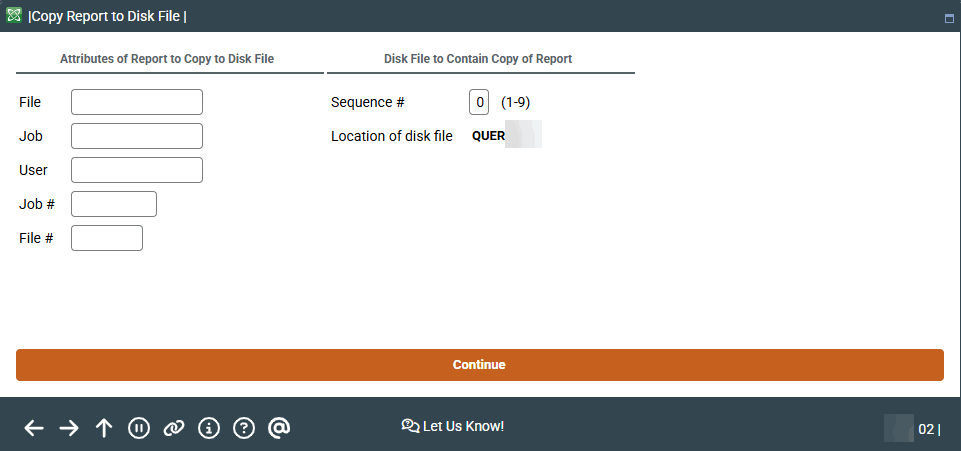
|
| Screen Title: | Copy Report to Disk File | |
| Panel ID: | 1297 | |
| Tool Number: | 282 | |
| View full-size screen |
Access this screen by selecting Tool #282 Copy Report to Disk File.
This screen is used to convert spooled report data to a file that can then be downloaded to the PC. For complete details, refer to the following booklet:
File Transfers: Downloading Data from iSeries to PC