Loan Category Configuration: Credit Cards
| Screen ID: | n/a | 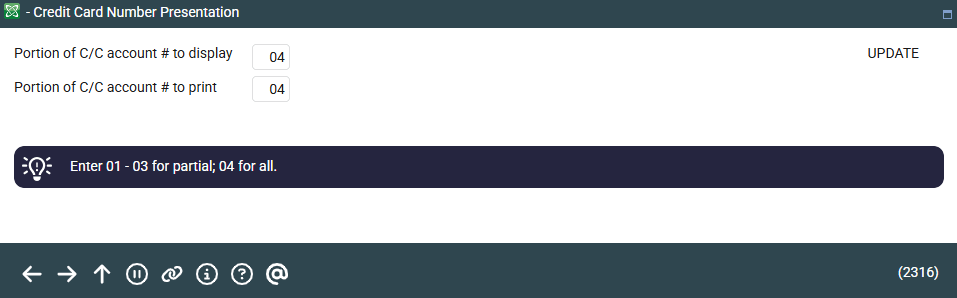
|
| Screen Title: | Credit Card Number Presentation | |
| Panel ID: | 2316 | |
| Tool Number: | 458 or 953 | |
| View full-size screen |
Access this screen by selecting Format CC # on the third Credit Card Configuration screen. This screen will appear when configuring a loan category with Process Type “V” for online credit cards.
In the first field (Portion of C/C account # to display), enter the number of digits to be displayed when viewing credit card information online in the core. In the second field (Portion of C/C account # to print), enter the number of digits to be printed on billing statements and member receipts. A maximum of 4 digits is recommended to protect your member’s privacy.
Remember that the idea is to give enough characters so that the member can easily identify one card from another, but not so many that a full card number could be guessed by an unauthorized person.