Assigning a Membership Account Number
| Screen ID: | n/a | 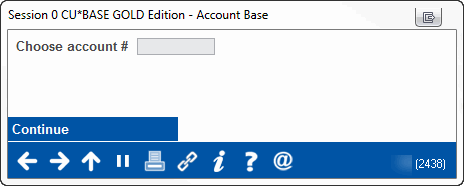
|
| Screen Title: | Account Base | |
| Panel ID: | 2438 | |
| Tool Number: | n/a | |
| Click here to magnify |
This screen appears after using Select Account # on the Verify Membership Creation window.
This window lets you manually assign an account base for a brand-new membership. Enter any 9-digit number and use Continue. If the account number is already in use, a message will appear and you will need to enter a different one. If you would prefer to let the system choose an unused number for you, use the Backup button (left arrow) to return to the previous window, then use Create Mbrship/Continue to proceed.
Video Resources

|
Check out these video resources! |
View more videos related to membership application processing.
View videos related to opening memberships/accounts.