Lease/Balloon/Residual Value Maintenance
| Screen ID: | n/a | 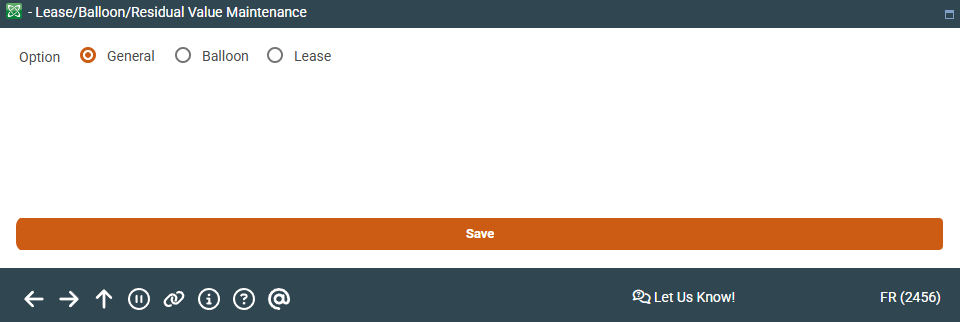
|
| Screen Title: | Lease/Balloon/Residual Value Maintenance | |
| Panel ID: | 2456 | |
| Tool Number: | 20 | |
| View full-size screen |
This window appears after using Leas/Ball/RVal on the Account Update screen for a loan account.
This window contains fields unique to lease and balloon loans. For balloon loans, you may update the Amortization term and Estimated final payment that were recorded when the loan request was originally set up.
If this loan is a lease loan, you may also change the residual value recorded on the loan.
When done, press Enter to save the changes and return to the previous Account Update screen, or use the up arrow to cancel any changes.
-
There is also an inquiry-only version of the window you can access from the Account Inquiry screen for a lease or balloon loan account.