Clear Existing Member Survey Responses
| Screen ID: | n/a | 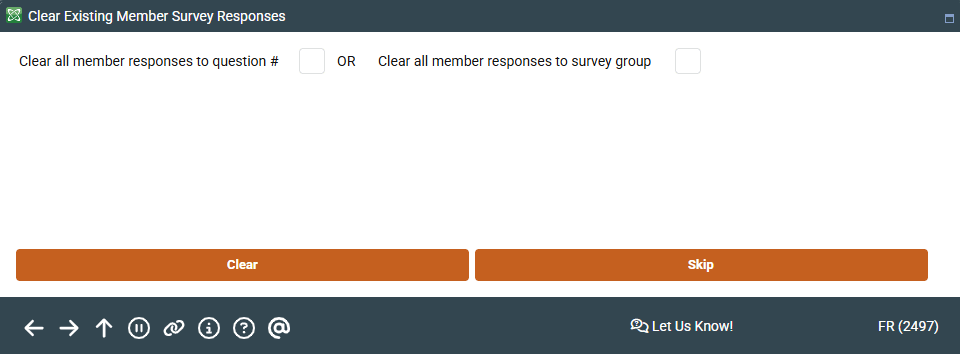
|
| Screen Title: | Clear Existing Member Survey Responses | |
| Panel ID: | 2497 | |
| Tool Number: | 513 | |
| View full-size screen |
Access this screen by selecting Clear Responses on the Member Survey Configuration screen.
Screen Overview
If survey questions have been used for of period of time and you wish to delete all existing responses and “start over” with a new survey session, the Clear Responses feature is available on the main survey configuration screen. This lets you remove the responses made by members without deleting the actual questions themselves.
You may choose to delete just the responses for a single question, or responses to all of the questions within a specific survey group. Enter either the question number or survey group and press Enter to clear all member responses.
Related Resources
For complete information, refer to the booklet, Using the Member Survey.