Create Journal Entry
| Screen ID: | n/a | 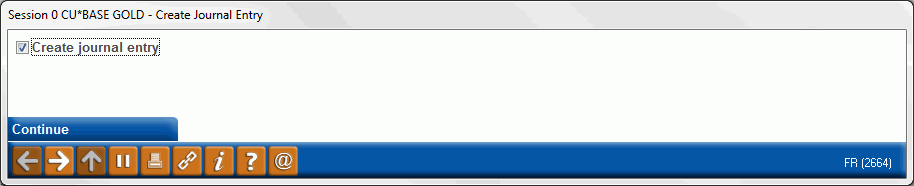
|
| Screen Title: | Create Journal Entry | |
| Panel ID: | 2664 | |
| Tool Number: | 119 | |
| View full-size screen |
This window appears when adding or updating a participation loan via Add/Update on the Participation Loan Setup screen.
The boxed will be checked to create a journal entry. Uncheck the box if you do not want a journal entry created.
For complete details on the PL system, including configuring the necessary codes, creating participation loan records, processing investor settlement and using various reports, refer to the appropriate booklet.
-
Participation Lending: Fannie Mae Secondary Market Loan Servicing
-
Participation Lending: Freddie Mac Secondary Market Loan Processing