Insurance Selection
| Screen ID: | n/a | 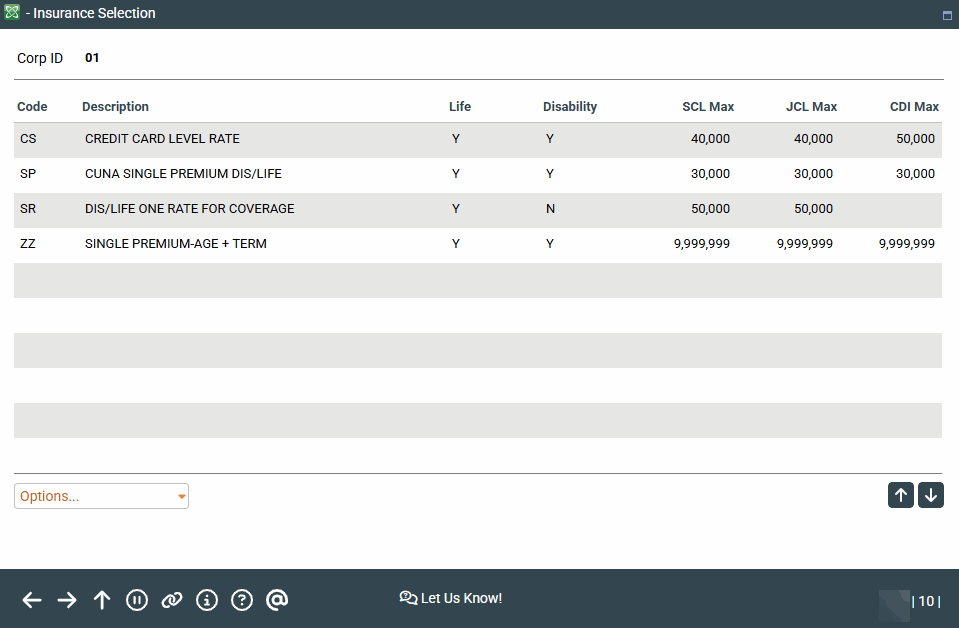
|
| Screen Title: | Insurance Protection | |
| Panel ID: | 3040 | |
| Tool Number: | Multiple | |
| View full-size screen |
Access this screen when you click on the lookup to add payment protection codes to the Loan Insurance Selection screen when configuring a loan product and adding insurance. Also access this screen by clicking the lookup on the Payment Protection and Miscellaneous Coverage screen.
Screen Overview
This screen list the loan insurance selections available when configuring loan product and loan insurance. Select the coverage and press Enter to select the coverage. Select View Config to view the original configuration settings selected on the Loan Insurance Code Configuration screen. Select Sales Information to view sales and marketing information about the loan insurance product.