Available Printers
| Screen ID: | n/a | 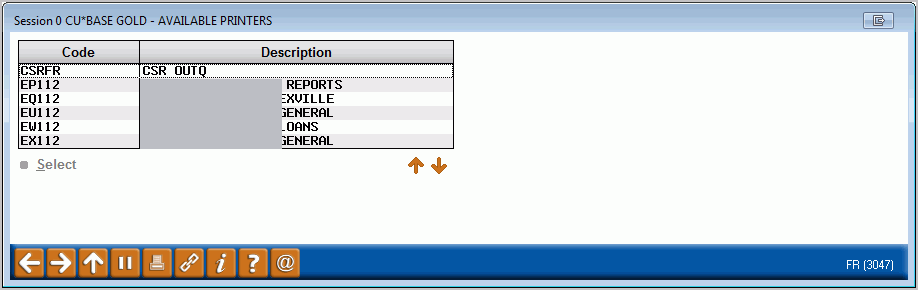
|
| Screen Title: | Available Printers | |
| Panel ID: | 3047 | |
| Tool Number: | Multiple | |
| View full-size screen |
This window is used to select from a list of your credit union's configured printer names. These are printers that have been configured on the iSeries for printing various CBX reports and screen captures.
Select a printer in the list and press Enter or Select to enter that printer on the original report screen.
-
To generate a report without printing it, select the HOLDXX printer (where XX is your credit union's 2-character ID).