Miscellaneous Coverage Selection
| Screen ID: | n/a | 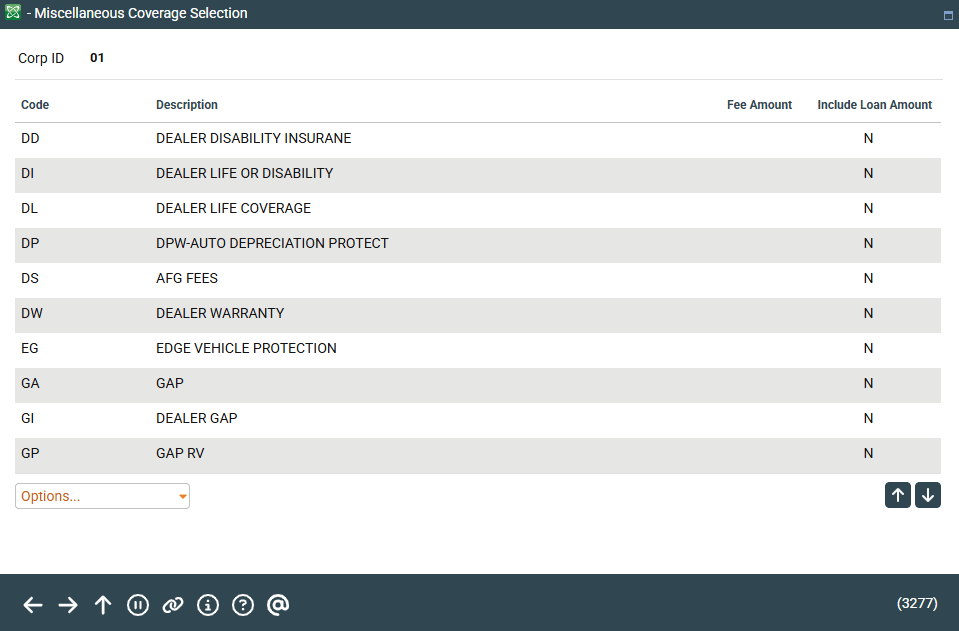
|
| Screen Title: | Miscellaneous Coverage Selection | |
| Panel ID: | 3277 | |
| Tool Number: | 470 | |
| View full-size screen |
Access this screen when clicking Add Coverage from the product configuration screen.
This screen lists the Miscellaneous Coverage you can add to a loan. Select the coverage and use Select to select the coverage. To see the original coverage of the loan, use View Config to view the original configuration of the coverage. Use Sales Information to move to a screen with sales information about the product.