Edit G/L Transaction Description
| Screen ID: | n/a | 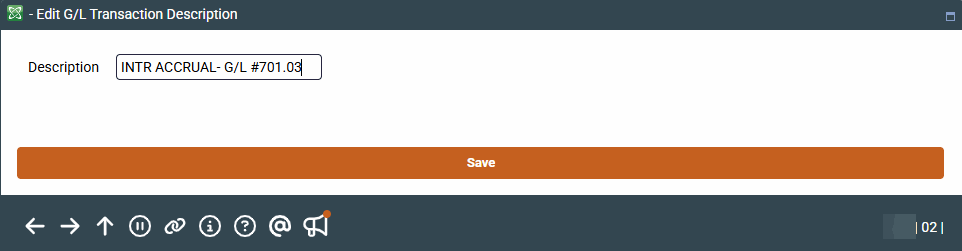
|
| Screen Title: | Edit G/L Transaction Description | |
| Panel ID: | 3681 | |
| Tool Number: | 60 | |
| View full-size screen |
This screen appears when you select a specific journal entry on the main General Ledger Transaction Inquiry screen and then Change Description
This will change the description for the selected batch only. Enter the new description in the pop-up window and press Enter/Save and then Add/Update on the confirmation screen to make the change.
The change will be recorded in the CU File Maintenance log.