Special Accounts Dividend Applications
| Screen ID: | n/a | 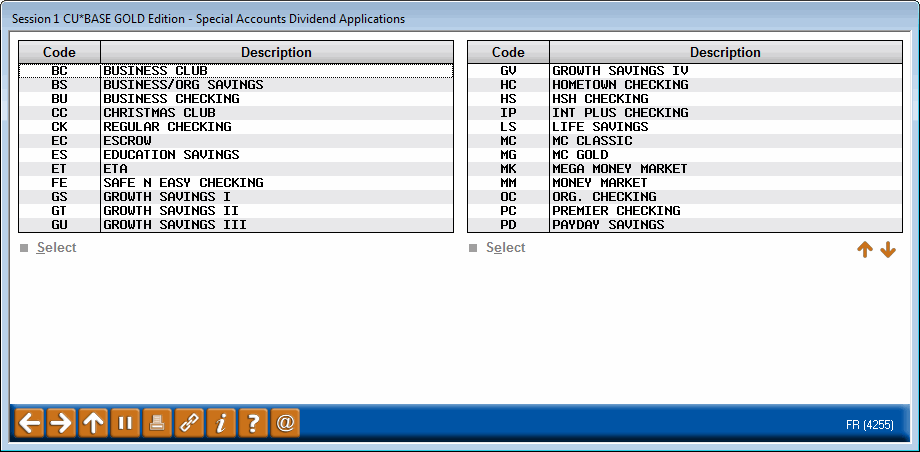
|
| Screen Title: | Special Accounts Dividend Applications | |
| Panel ID: | 4255 | |
| Tool Number: | 271 | |
| View full-size screen |
Access this screen by selecting  next to "Charge to dividend application" next to "Charge fee to" on the previous screen. (You may need to press Enter twice to see the lookup on the Statement Style Fee configuration.)
Select a Dividend Application from the list, then use Select to return to the previous screen. The member will be charged the Selected Statement style fee in the manner covered in Option 1: Select Charge single div appl covered in this topic.