Loan Collateral Identification (Description)
| Screen ID: | ULNCLA-B | 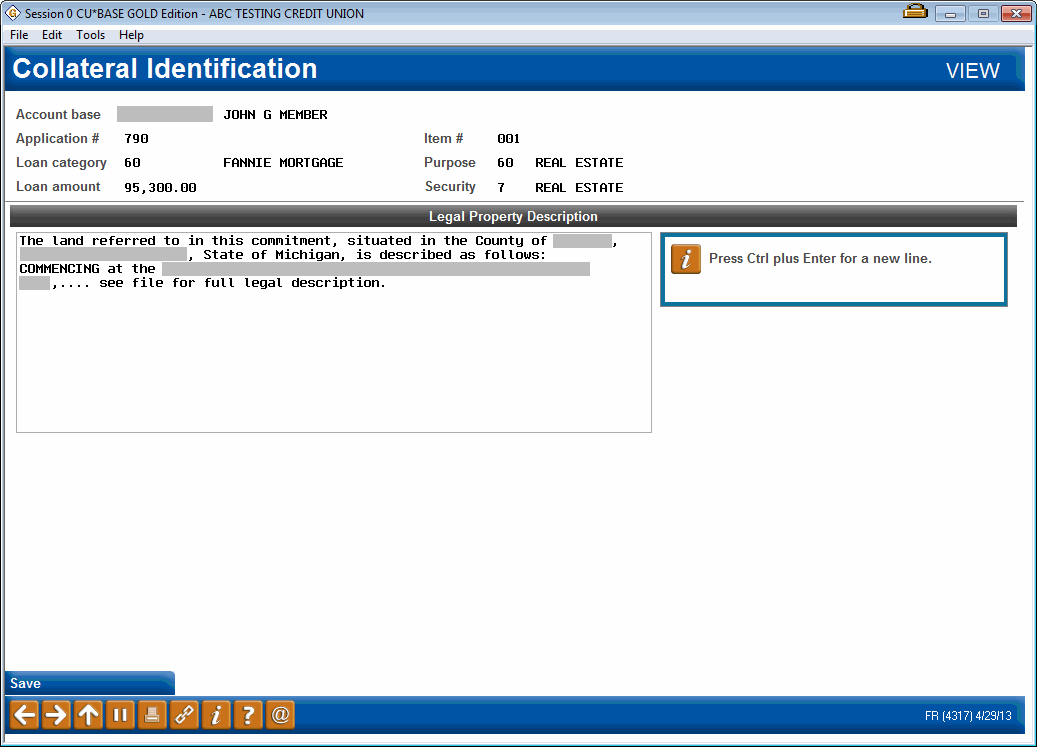
|
| Screen Title: | Collateral Identification | |
| Panel ID: | 4317 | |
| Tool Number: | Multiple | |
| View full-size screen |
For real estate collateral types, access this screen via Legal Description (or via the Comments on other collateral types) when adding collateral to a loan.
Use this screen to enter the full legal description of this property for mortgage collateral types. For other collateral types, use this to enter any miscellaneous information about this collateral item.
Tips on entering information in the comment screen
When done, use Save/Update to save all changes and return to the Mortgage collateral Selection screen or other Collateral Type collateral screen to add another new collateral item.