Import File to Post (Define File)
| Screen ID: | n/a | 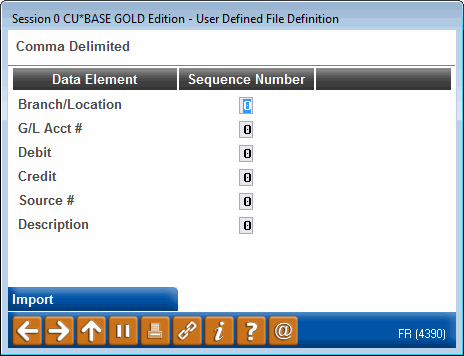
|
| Screen Title: | Import File to Post | |
| Panel ID: | 4390 | |
| Tool Number: | 341 | |
|
|
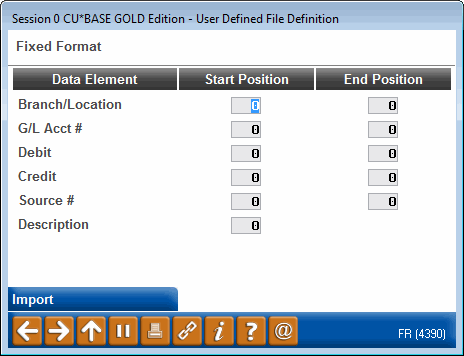
Access this screen after selecting to upload a user-defined or comma delimited file on the previous upload screen.
Learn more about this feature in the Importing Files to General Ledger booklet.
This screen is used to define the file you are uploading. Once you have defined the file, use Import to import the file. The entries will be imported to the Maintain Journal Entries screen.