Enroll Member in Household
| Screen ID: | n/a | 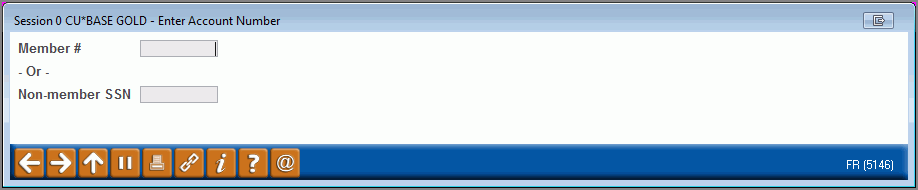
|
| Screen Title: | Member or Household Selection | |
| Panel ID: | 5146 | |
| Tool Number: | 394 | |
| View full-size screen |
This screen will appear use "Enroll" on the first household screen or by selecting "Enroll/Add Member" on the Household Members screen.
Use this screen to enroll a member in a household.
If the new person is a credit union member, enter the member account base number and press Enter to proceed to the Household Enrollment window. If the household member is not a credit union member, enter a Social Security number instead. If necessary, a Non-Member Information window may appear so that basic details such as name and address can be recorded in the non-member database before proceeding to the Household Enrollment window.
This screen also appears in the directions for adding household members that appears on this topic.