Coverage Choice
| Screen ID: | n/a | 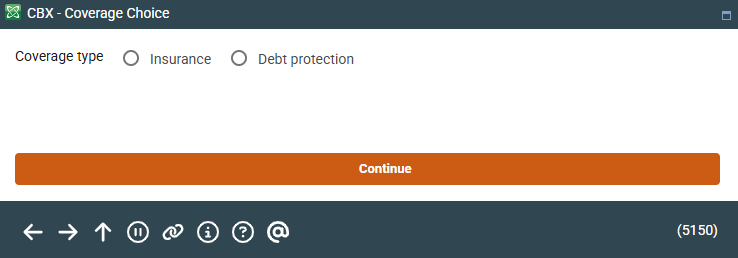
|
| Screen Title: | Coverage Choice | |
| Panel ID: | 5150 | |
| Tool Number: | 20 | |
| View full-size screen |
Access this screen by selecting Loan Coverages on the Account Update screen.
Screen Overview
Select from either coverage type, Debt protection or Insurance, and use Continue to continue the screen to update the member's payment protection, insurance, or miscellaneous coverage.
Related Resources
Adding Misc. Coverage to a Loan
Removing Payment Protection from a Loan Account
Removing Miscellaneous Insurance Coverage from a Loan Account