Printing Misc. Member Account Forms (Other Forms)
| Screen ID: | n/a | 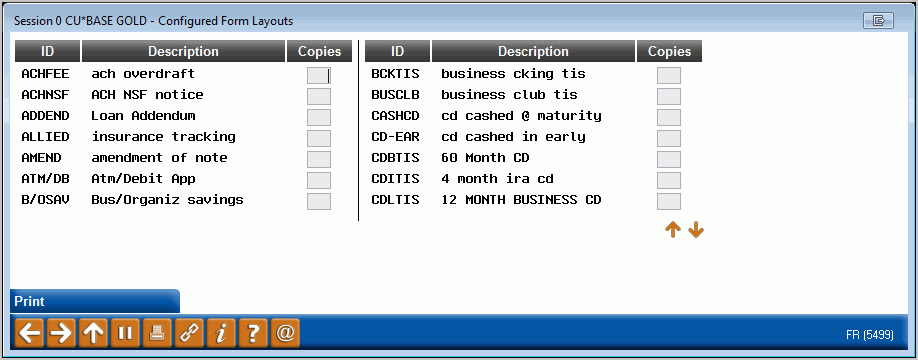
|
| Screen Title: | Configured Form Layout | |
| Panel ID: | 5499 | |
| Tool Number: | 21 | |
| View full-size screen |
Access this screen by selecting "Other Forms" on the entry screen.
-
For complete information about configuring and printing Member Account Forms, refer to the booklet, Miscellaneous Member Account Forms.
This window shows all of the form layouts that have been configured. Enter the number of copies to print and press Enter. The window described above will appear to let you select a different printer or paper tray as usual.
If an account number was entered onto the previous screen, it will be used to fill out the final form. If no account number was entered (or if the form doesn’t have any account-specific details on it), it will print as a general blank form without any member information.