Select Loan Workflow Style
| Screen ID: | n/a | 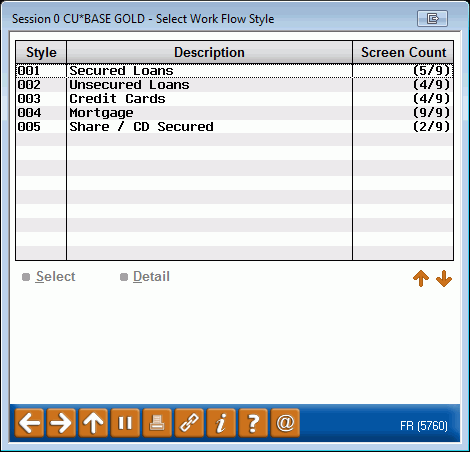
|
| Screen Title: | Select Work Flow Style | |
| Panel ID: | 5760 | |
| Tool Number: | 470 | |
| View full-size screen |
Access this screen by selecting the lookup next to "Use loan application workflow style" on the first loan product configuration screen.
Learn more about loan application workflow styles.
View a listing of available loan application workflow styles. To select a style, use Select. To view a detail of what loan application screens will be hidden or shown, select a style and then Detail.