Configuring OUTQs by CU (Delete)
|
View full-size screen |
| Screen ID: | CDCOUTQR-01 |
| Screen Title: | OutQueue Setup Delete Outq Queue Selection |
| Accessed by Tool Number: | 5043 |
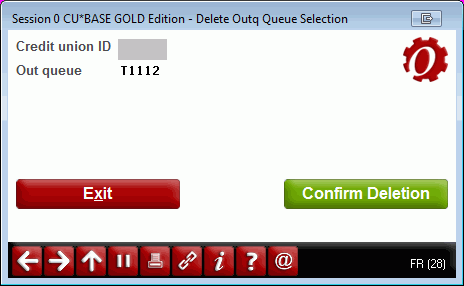
Appears after using Delete on the initial OUTQ Search Select by Code screen.
This is a window confirming the deletion of an output queue name from the list used by credit unions via the Timeout window. The selected OUTQ name will appear; press Enter to confirm the deletion, or the back up arrow to cancel.