Copy Template
| Screen ID: | CUTMTM-04 | 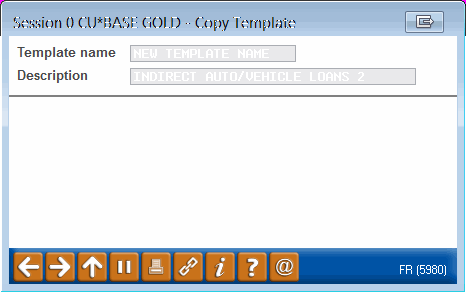
|
| Screen Title: | Copy Template | |
| Panel ID: | 5980 | |
| Tool Number: | Multiple | |
| View full-size screen |
This screen appears after choosing Copy on the Manage My Templates or View All Templates screens.
This window appears when copying an existing template. Enter the name for your new template and adjust the description (which was copied from the original template) as you wish. Press Enter to save and return to the previous screen.