Inquiry: Closed Tax Escrow Account Detail
| Screen ID: | ICLACT-04 | 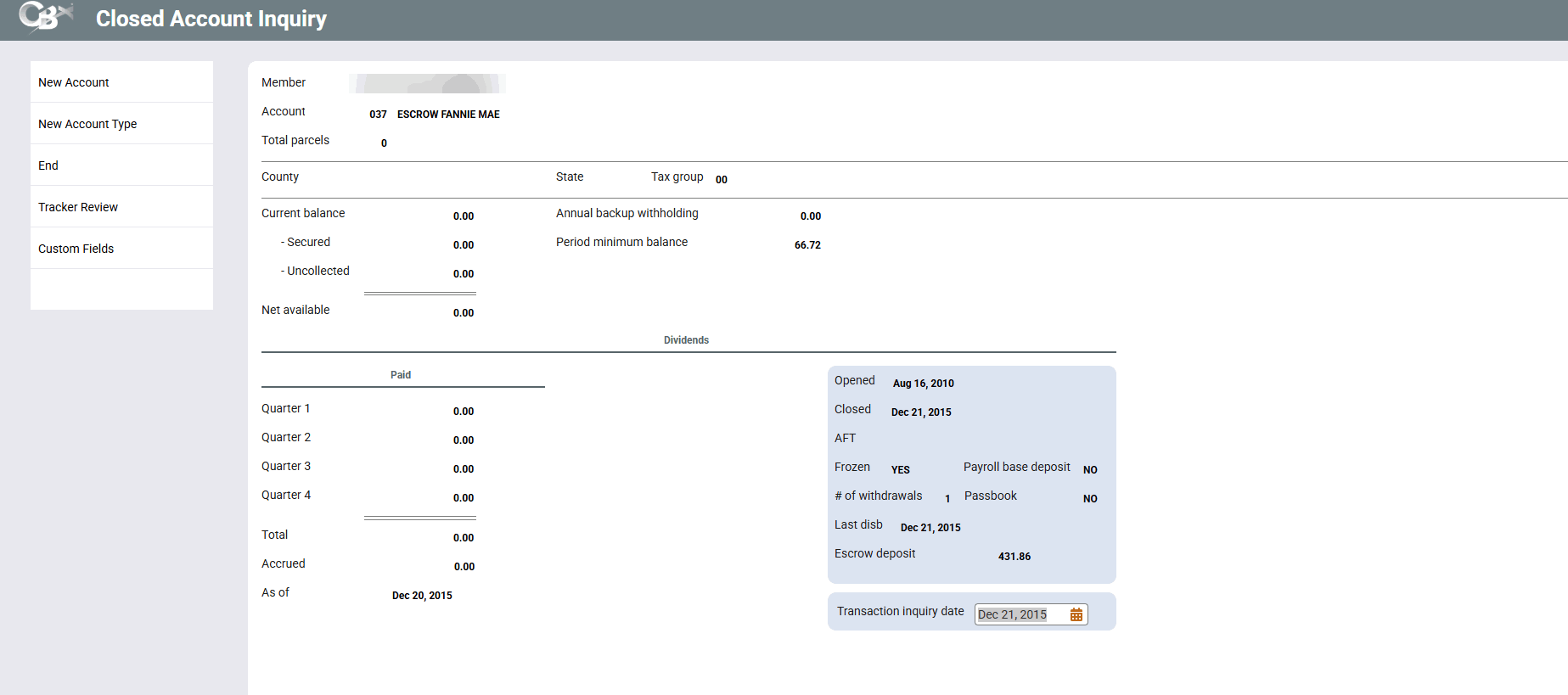
|
| Screen Title: | Closed Account Inquiry | |
| Panel ID: | 128 | |
| Tool Number: | Multiple | |
| View full-size screen |
This screen will appear when a tax escrow account type suffix is entered on the Closed Account Type screen.
This is the Account Detail screen used to display detailed information about a tax escrow share account.
If you see asterisks on this screen, it is due to the privacy configuration.
In the Transaction Inquiry Date field at the bottom of the screen, type a date and press Enter to proceed to the Closed Account Transaction History screen.
For a description of the fields which appear on this screen, refer to the Tax Escrow Account Detail screen for current accounts.
If a Custom Fields button is shown, this means that custom data is attached to this account. Click the button to view the custom data.