Inquiry: Search for Closed Members
| Screen ID: | ICLMST-01 | 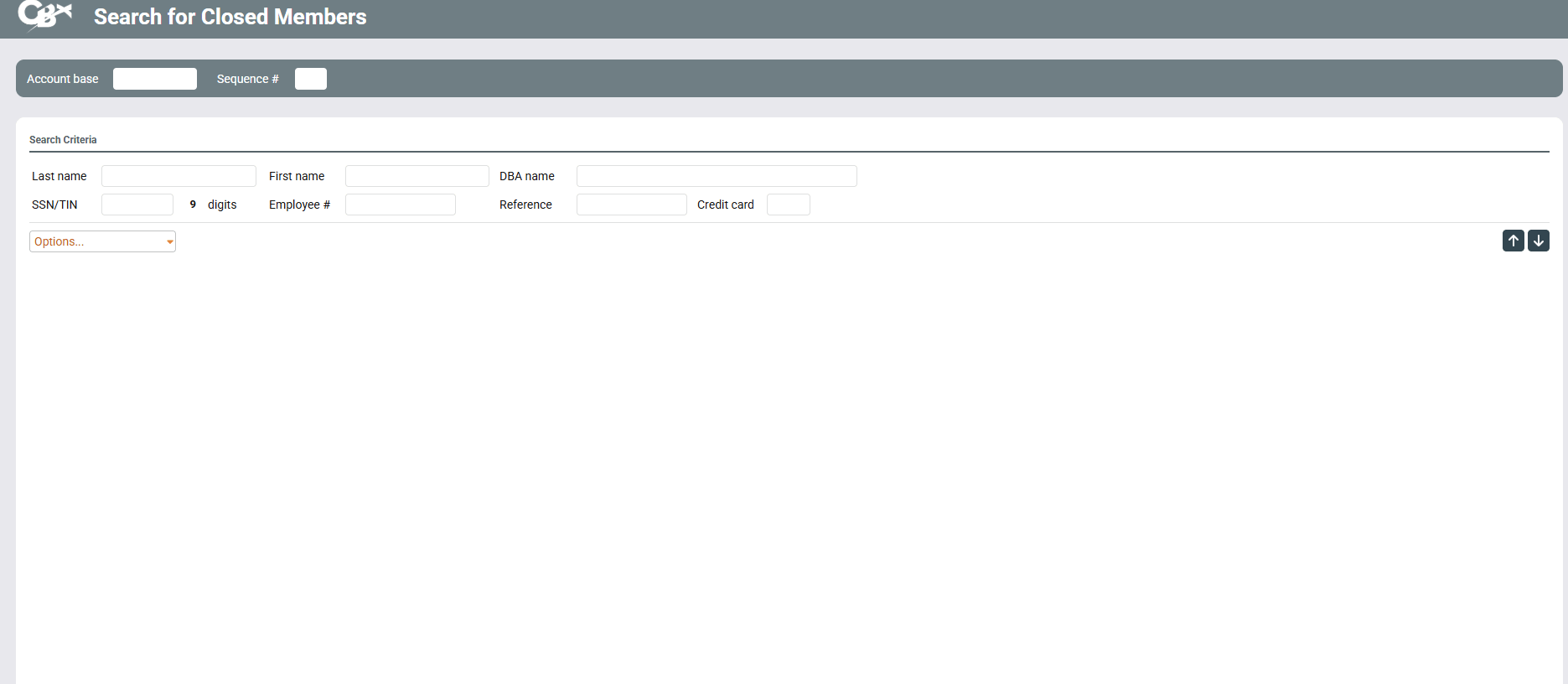
|
| Screen Title: | Search for Closed Members | |
| Panel ID: | 4434 | |
| Tool Number: | n/a | |
| View full-size screen |
This screen will appear when you use View Closed Members on the initial Member Inquiry screen.
This screen is the first of several used to perform an inquiry on a membership that has been closed. Enter the Account Base and a Sequence Number to indicate which closed membership you wish to view.
-
Sequence Number is used in case a membership was closed, reopened, and then closed again. Each time the membership is closed, a sequence number is assigned (01 for the first time, 02 for the second time, etc.).
Use the Search Criteria fields to look for a membership if the account base number is unknown. Enter a full or partial name, DBA Name, SSN/TIN, Employee ID or Reference number, or the last four digits of the member's credit card and press Enter to search for a list of matching accounts. Select the name in the list and press Enter or Select to continue to the Closed Account Type screen.
-
Closed memberships are purged from the system periodically and archived according to your credit union's preferences. Contact a client service representative for information about fees for retaining closed membership files online.
Use the back up arrow to return to the previous screen and search for an existing member.
If you see asterisks on this screen, this is due to the fact that this screen is subject to Privacy Controls.