More CU Information about Database Columns (Field)
| Screen ID: | IDBINQ-52 | 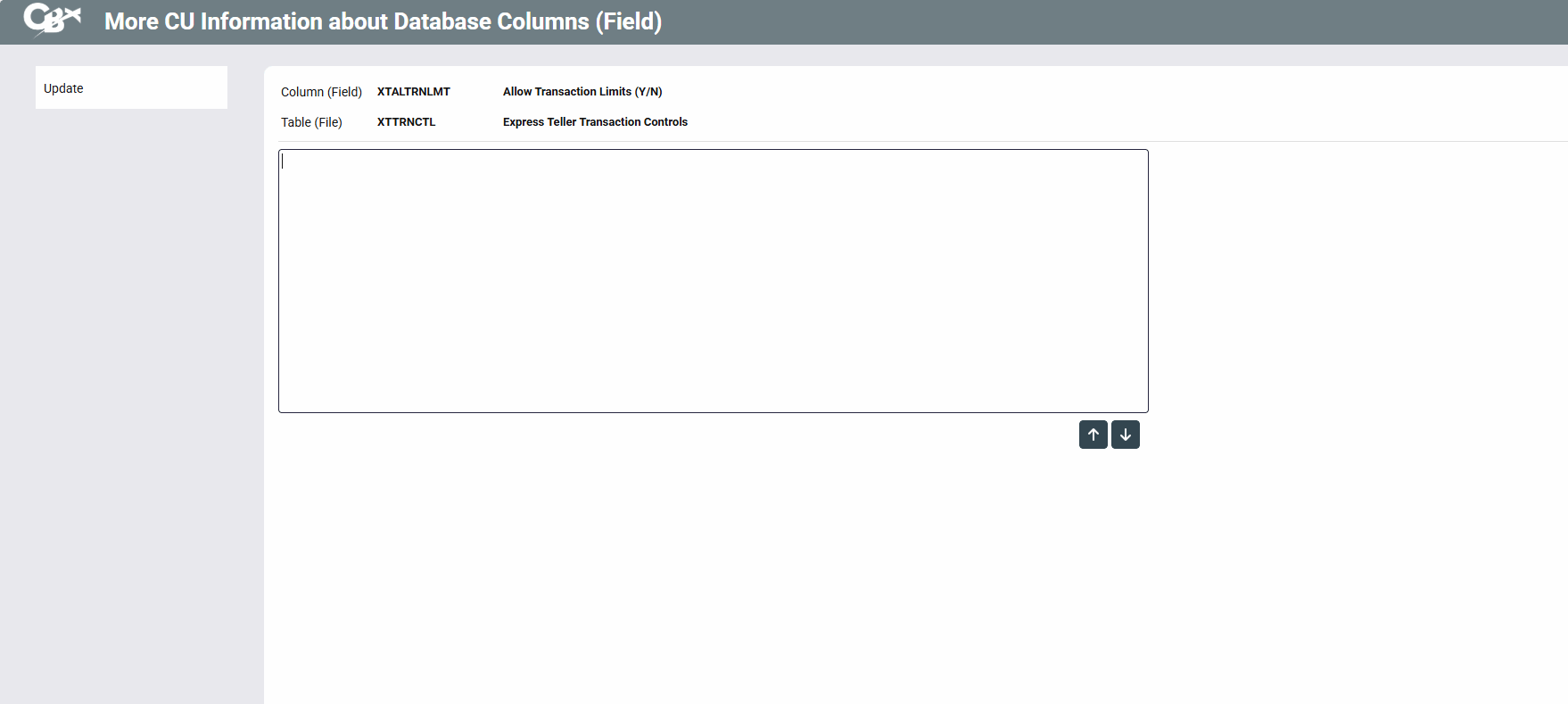
|
| Screen Title: | More CU Information about Database Columns (Field) | |
| Panel ID: | 6333 | |
| Tool Number: | 332 | |
| View full-size screen |
Access this screen by clicking the  button in the Action section on the Columns (Fields) in this Database Table File screen.
This allows you to add notes to a field that can be viewed in the Database Inquiry (Tool #322). Enter your note and then use Update to save the change. This will return you to the Columns (Fields) in this Database Table File screen. A check in the CU Notes column on this screen indicates that a note has been added.
This note can be changed by anyone who has access to the Database Inquiry.