Dealer Information
| Screen ID: | IDLRIW | 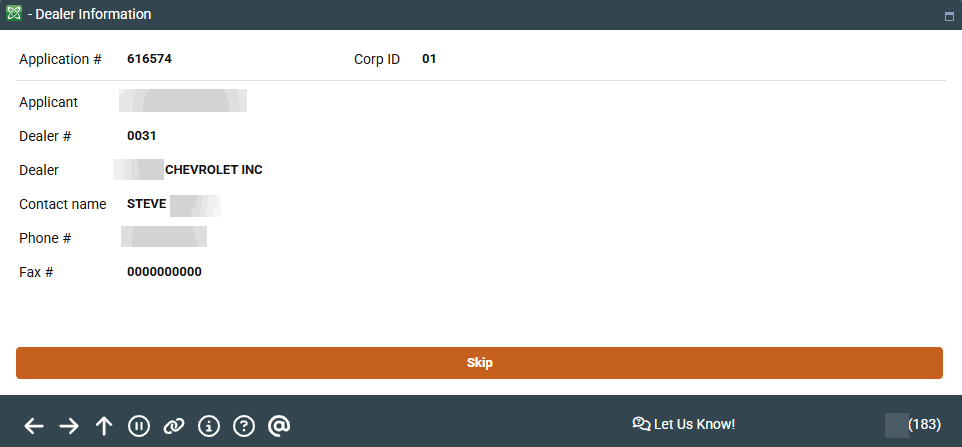
|
| Screen Title: |
Dealer Information |
|
| Panel ID: | 183 | |
| Tool Number: | 2 | |
| View full-size screen |
Access this pop-up screen after selecting an application and Dealer on the loan queue screen.
For loans that have been coded with one of your credit union's configured Dealer/Indirect Lender IDs, this pop-up window shows the dealer name and contact information. (The Dealer/Indirect ID can be entered on the Loan Request screen.)
Dealer information is configured via Tool #245 Configure Dealer Info for Indirect Lend.