Write-off/Charge-off Analysis: Choosing Alternate Views
| Screen ID: | ILNWO-04 | 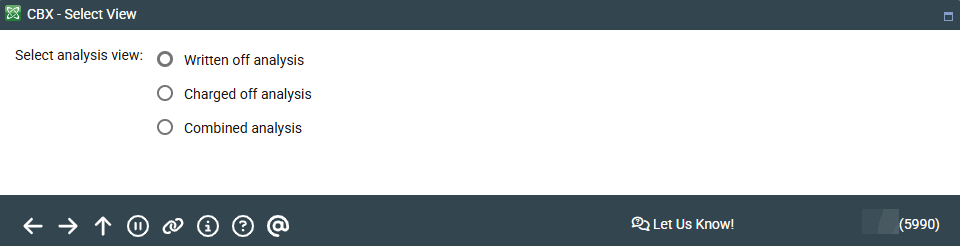
|
| Screen Title: | Select View | |
| Panel ID: | 5990 | |
| Tool Number: | 476 | |
| View full-size screen |
This screen appears after choosing Alternate Views on the Written-off/Charged-off Analysis screen.
Use this to control what types of loans will appear on the Written-off/Charged-off Analysis. Make your selection and press Enter to return to the analysis.
-
Remember that all charged-off loans must be written off first, although it is possible to do both steps at the same time.