Look to Book - Change View
| Screen ID: | ILOOKB-06 | 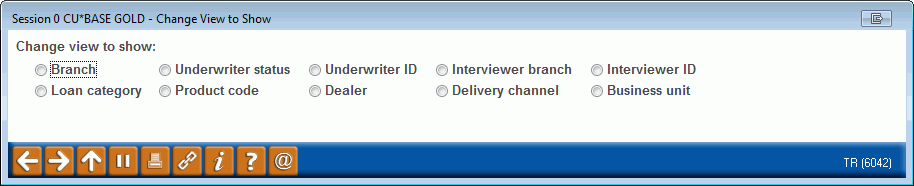
|
| Screen Title: | Change View to Show | |
| Panel ID: | 6042 | |
| Tool Number: | 484 | |
| Click here to magnify |
Access this window by selecting Change View on the Look to Book Summary screen.
This allows you to view the data by analysis type. Select the filter and use Enter to view the data by this analysis type on the Look to Book Analysis screen.