Frequency Selection Screen
| Screen ID: | IOCAA-WDW020 | 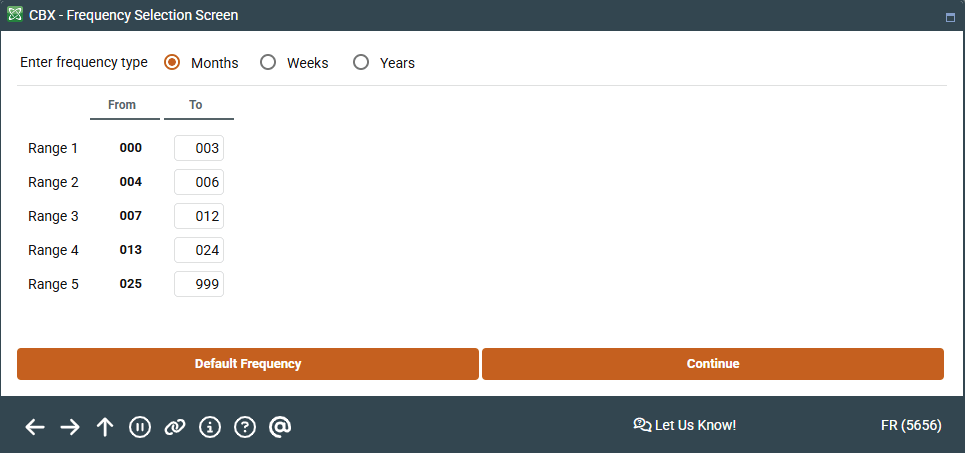
|
| Screen Title: | Frequency Selection Screen | |
| Panel ID: | 5656 | |
| Tool Number: | 552 | |
| View full-size screen |
Access this screen by selecting Select Frequency from the Loan Maturity Dashboard.
Use this screen to control which aging periods you wish to analyze. Group loans according to the # of weeks or # of years until maturity, in addition to the default setting (# of months until maturity).
Use Default Frequency to return to the original settings.