Cash Transfer Inquiry
| Screen ID: | ITLVTR-01 | 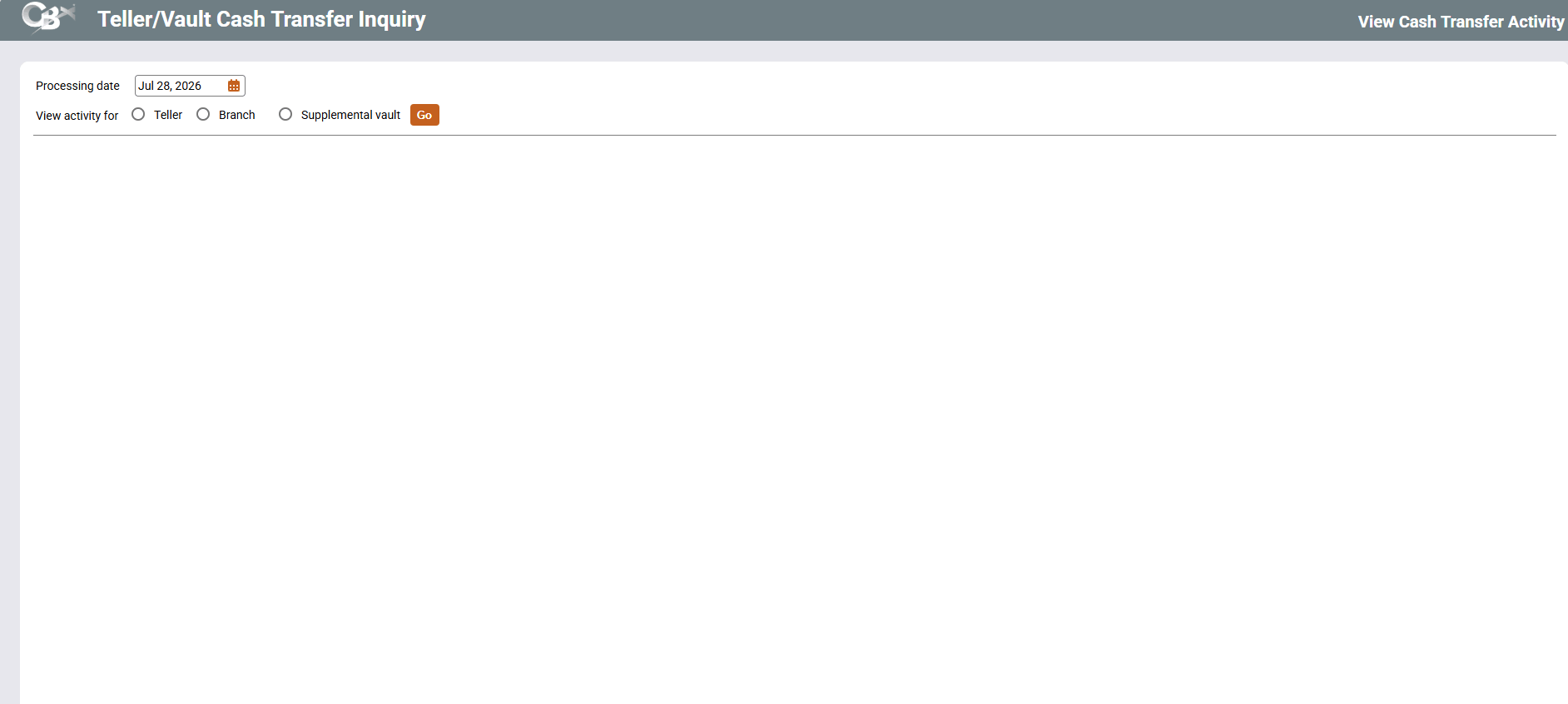
|
| Screen Title: |
View Cash Transfer Activity |
|
| Panel ID: | 6401 | |
| Tool Number: | 850 | |
| View full-size screen |
Access this screen by selecting Tool #850 Teller/Vault Cash Transfer Inq (Shortcut: cashinq). You can also access this screen via Cash Xfers Inq on the Teller Control screen.
This screen is the first of several used to view a history of bulk cash transfers made between tellers, branch vaults, supplemental vaults (ATMs, TCDs, TCRs), other vaults, and banks.
Start by specifying the date for which you would like to see activity, then choose one of the following:
-
Teller - Use this if you want to see all of the cash transfers made to and from specific teller, including cash dispenses from a TCD for member transactions.
-
Branch Vault - Use this if you want to see all of the bulk cash transfers made to and from a specific branch vault.
-
Supplemental Vault - Use this if you want to see all bulk cash transfers made to and from an ATM, TCD, or TCR (will NOT include cash dispenses for member transactions). NOTE: For TCDs and TCRs, use the Vault type Other (O). (TCD, TCR, and TCM vault types are not supported.)
Press Enter once, then specify the Teller ID, Branch Vault ID, or Supplement Vault ID. Press Enter again to proceed to the appropriate second screen.