Printing Miscellaneous Checks (1)
| Screen ID: |
LACTB-01 |
|
| Screen Title: |
Issue Accounting Checks |
|
| Panel ID: | 511 | |
| Tool Number: | 667 | |
| View full-size screen |
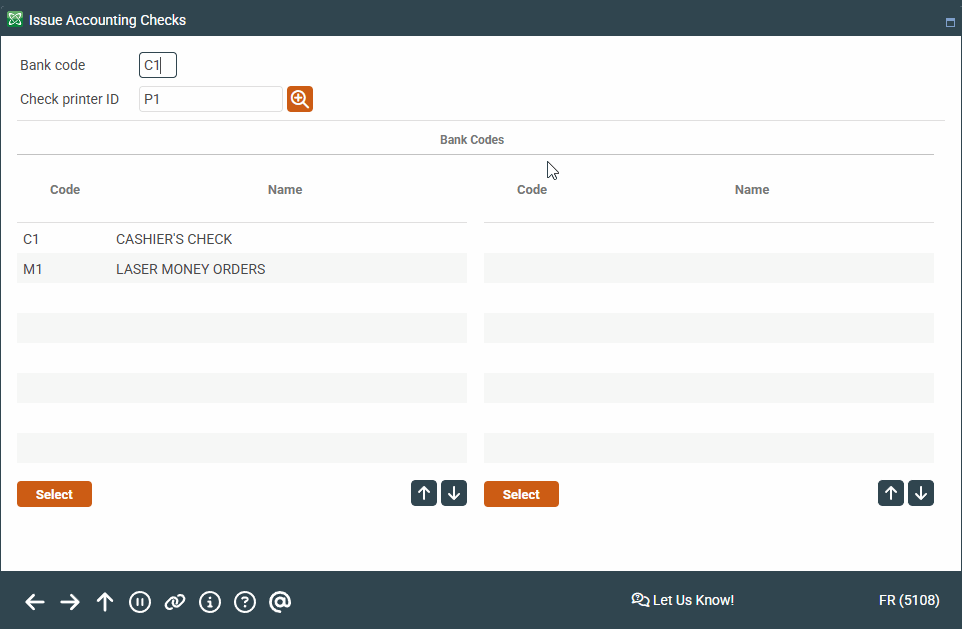
This screen is accessed by selecting Tool #667 Print Miscellaneous CU Checks (Shortcut: chk).
Screen Overview
This is the first of two screens used to print a check drawn against a General Ledger account, rather than a member account, such as an expense check.
Enter the Bank Code (or select a bank from the list) and choose a Printer ID where the check should print. Press Enter to proceed to the next screen.