Printing the Loan Classification Report
| Screen ID: |
LCLSSC-01 |

|
| Screen Title: |
Classification Code Report |
|
| Panel ID: |
591 |
|
| Tool Number: | 656 | |
| Report Name: | LCLS1, LCLS2 | Click here to magnify |
Access this screen by selecting Tool #656 Loan Classification Report.
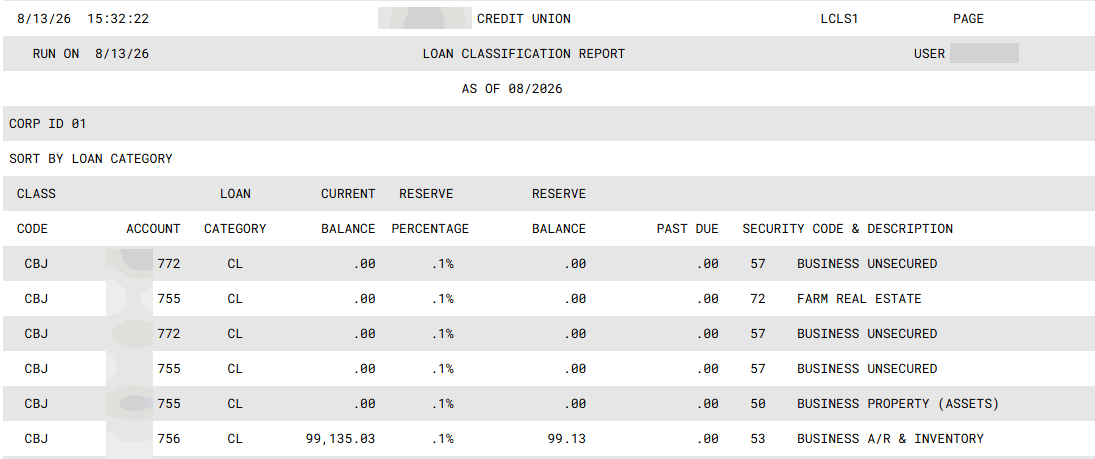
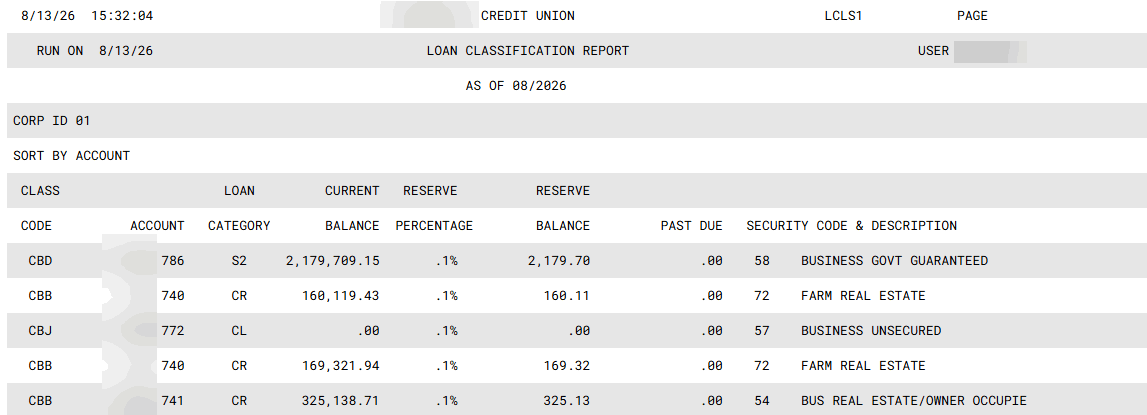
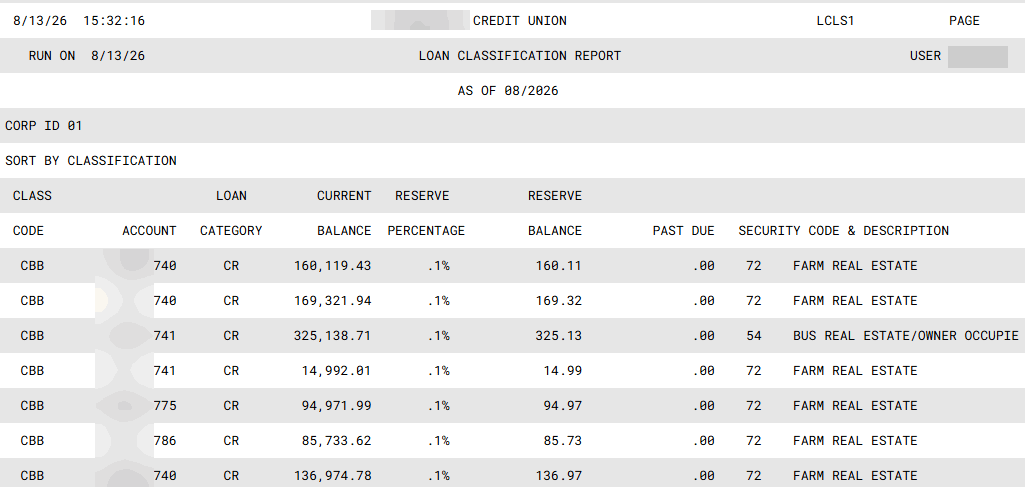
This screen is used to produce a report showing all loan accounts which have been flagged with a Loan Classification Code. Two reports are actually produced: one showing current loans and another showing loans in your credit union's Written Off category (usually 99). The reports include reserve percentage and balance information, in addition to basic information about the loan accounts.
Select whether to sort the records by account, classification code or loan category. This is a required field.
To specify a range of accounts, use the Account # From and To columns. (To include a single account or classification code, use the same number in both columns.)
To specific classification codes or loan categories, use the Select button to reveal a screen - then hold down the Ctrl key to select the desired items. Use select to return to the selection screen. The screen will indicate the number of selected items. By default all classification codes and loan categories are selected.
When ready, use Enter to produce the report and return to the Home Page.
Report Samples
By Account
By Classification Code
By Loan Category