Printing a Financial Statement Configuration Summary
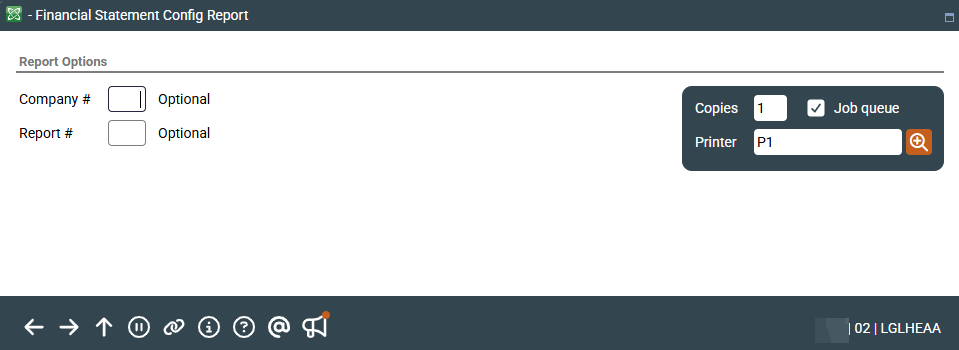
| Screen ID: |
LGLHEAA |
|
| Screen Title: |
Financial Statement Configuration Report |
|
| Panel ID: | 692 | |
| Tool Number: | 645 | |
| Report Name: | LGLHEA | View full-size screen |
Access this screen by selecting Tool #645 Print Financial Report Configuration.
This feature is used to print a record of the configuration settings used to set up a financial report. Printing this report allows you to check the design before the financial statement is printed. Enter both the Corporate ID and Report No and press Enter to generate the report.
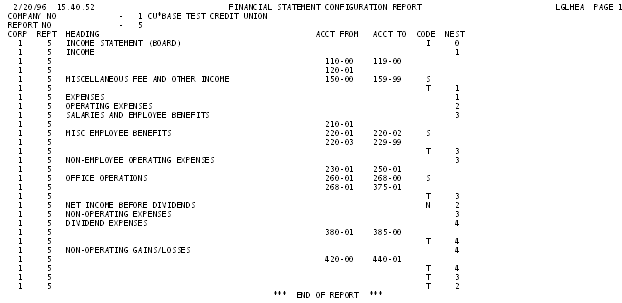
On the printed report, the Nest column on this report indicates the indent level at which each item will appear. For example, items with nest level 0 will be at the left margin; items with nest level 1 will be indented one space, etc.
Report Sample
The following sample shows the configuration of an income statement report: