Printing Loan Payment Coupons
| Screen ID: |
LLNCPN-01 |
|
| Screen Title: |
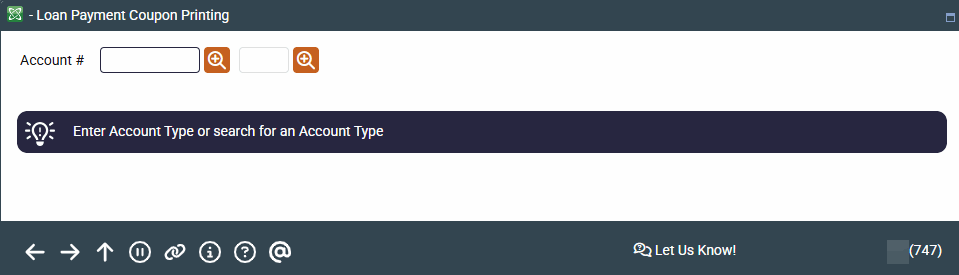
Loan Payment Coupon Printing |
|
| Panel ID: | 747 | |
| Tool Number: | 657 | |
| View full-size screen |
Access this screen by selecting Tool #657 Print Loan Coupons (Shortcut: coupon).
Screen Overview
When entering an account base, you have the option of using the lookup button  that, when clicked, brings you to the Your Most Recent Accounts Accessed screen, which shows the last ten member account base numbers accessed. Once you select an account base, you will immediately be brought to the Account Types screen to select an account suffix.
-
If auto security is not activated, you will first need to enter your Employee ID and password.
-
If Name ID is activated, you will need to enter the Name ID of the member. Learn more about Name ID configuration.
After entering an account base, suffix, and name ID and pressing Enter, you will proceed to the Printing Loan Payment Coupons screen.