Updating Non-Member Information
| Screen ID: |
NPNWAC-01 |
|
| Screen Title: |
Non-Member Maintenance |
|
| Panel ID: |
5183 |
|
| Tool Number: | 997 | |
| View full-size screen |
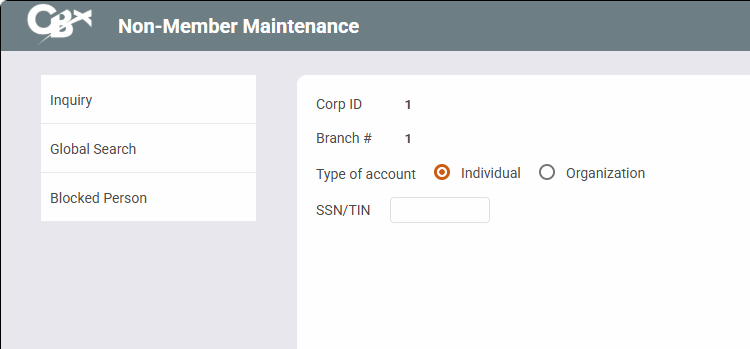
Access this screen by selecting Tool #997 Work With Non-Member Database (Shortcut nonmbr).
Screen Overview
This is the first of two screens used to update general information about a non-member record. Non-member records are used for joint and misc. owners and beneficiaries, IRA beneficiaries, loan co-signers, or any other situation where a non-member has a relationship with your credit union.
Start by entering the type of account Individual (I) or Organization (O) and the non-member's Social Security number. To edit the record, press Enter to proceed to the second screen. Or, to view the record without changing anything, use Inquiry instead.
-
Use Global Search to look for a non-member already on file.
-
Use Blocked Person to view a view-only version of your new membership fraud block list for a possible match to this new non-member.