Work With Output Queues
|
Screen ID: Screen Title: Panel ID: |
OUTQC1-01 Work with Output Queues 6215 |
|
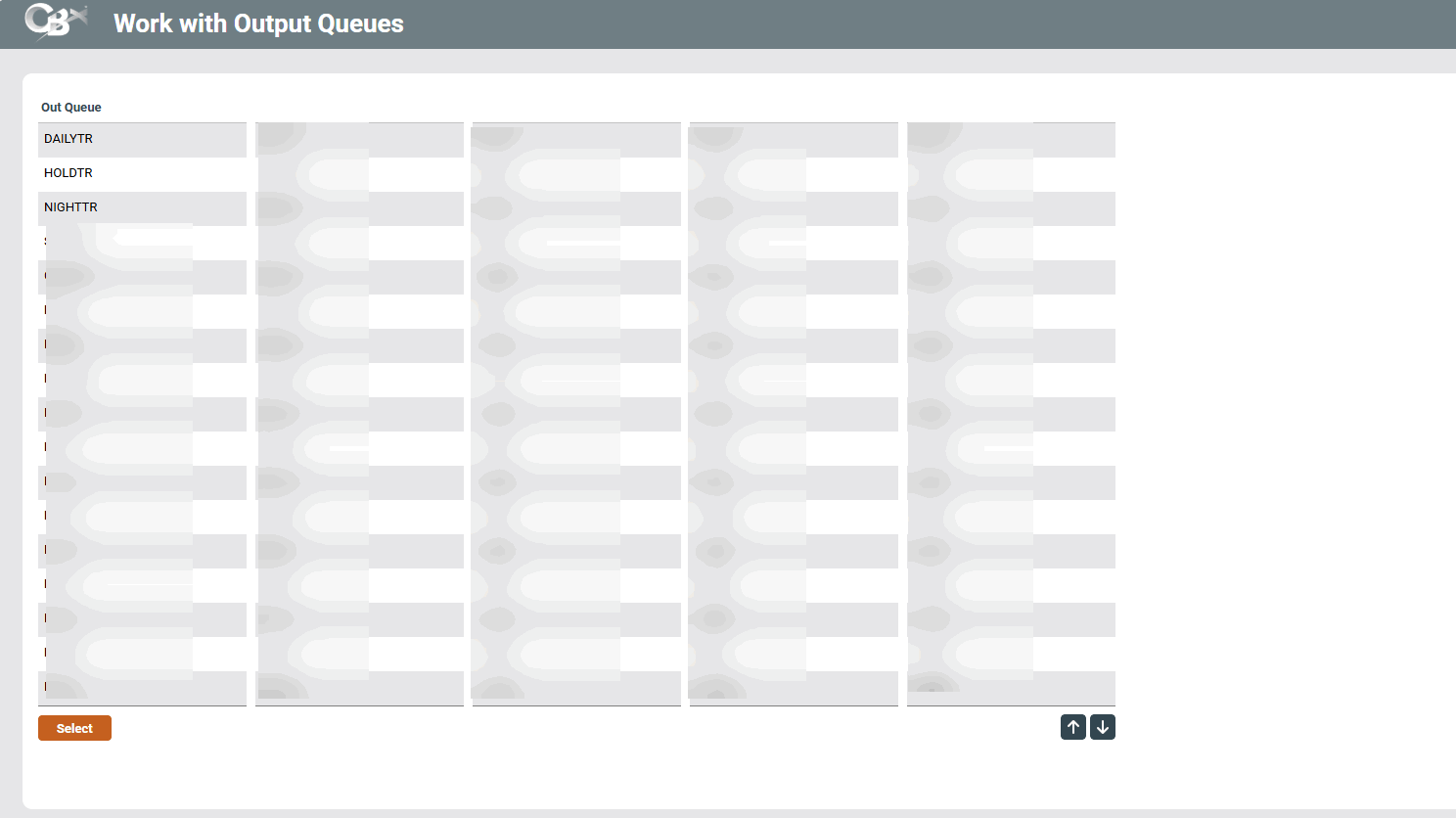
Appears after using option Work with output queues (2) on the Time-Out window.
This window displays a list of output queues used by your credit union for daily, monthly, and other on-demand reports produced by the system. Output queues, also referred to as OUTQs, represent a place where reports are grouped together waiting to be printed.
-
The names that appear on this list are configured for each credit union via this OPER screen.
Select an OUTQ from the list and press Enter or Select to view the current items waiting in that queue.
shortcuts for OUTQs
The following shortcuts allow you to access each OUTQ. Important: Your security officer must first give you access to these shortcuts.
-
shortcut OUTQD – go to archive (DAILYxx) output
-
shortcut OUTQH – go to archive (HOLDxx) output
-
shortcut OUTQN – go to archive (NIGHTxx) output
-
shortcut OUTQP – go to archive (PRINTxx) output
-
shortcut OUTQS – go to archive (SAVExx) output