Confirm Items Selected for Payment
| Screen ID: | PAPAPR-W1 | 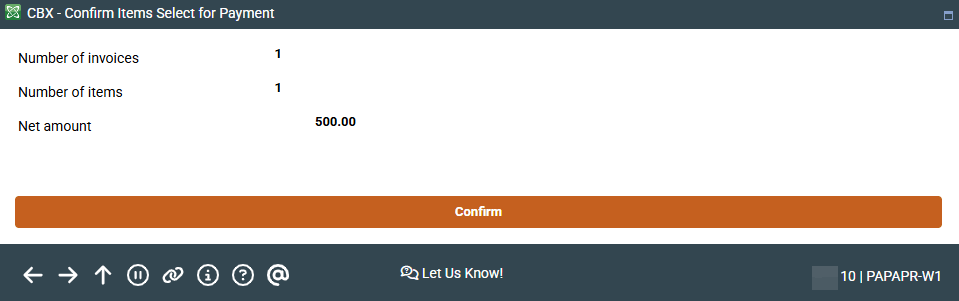
|
| Screen Title: | Accounts Payable Invoice Detail | |
| Tool Number: | 1910 | |
| View full-size screen |
Access this screen by selecting invoices on the Organize Invoices for Payment screen and then "Save/Prepare to Pay."
This confirmation window shows a confirmation of the invoices that have been prepared for payment. (If no invoices are selected, zeros will be shown.)
Select Confirm to move the payment to the Process Payments screen. Or select to skip (not shown) or back up to return to the previous screen.