Configuring Online Credit Cards
|
Screen ID: Screen Title: Panel ID: |
PCTGS04-01 Credit Card Configuration 1076 |
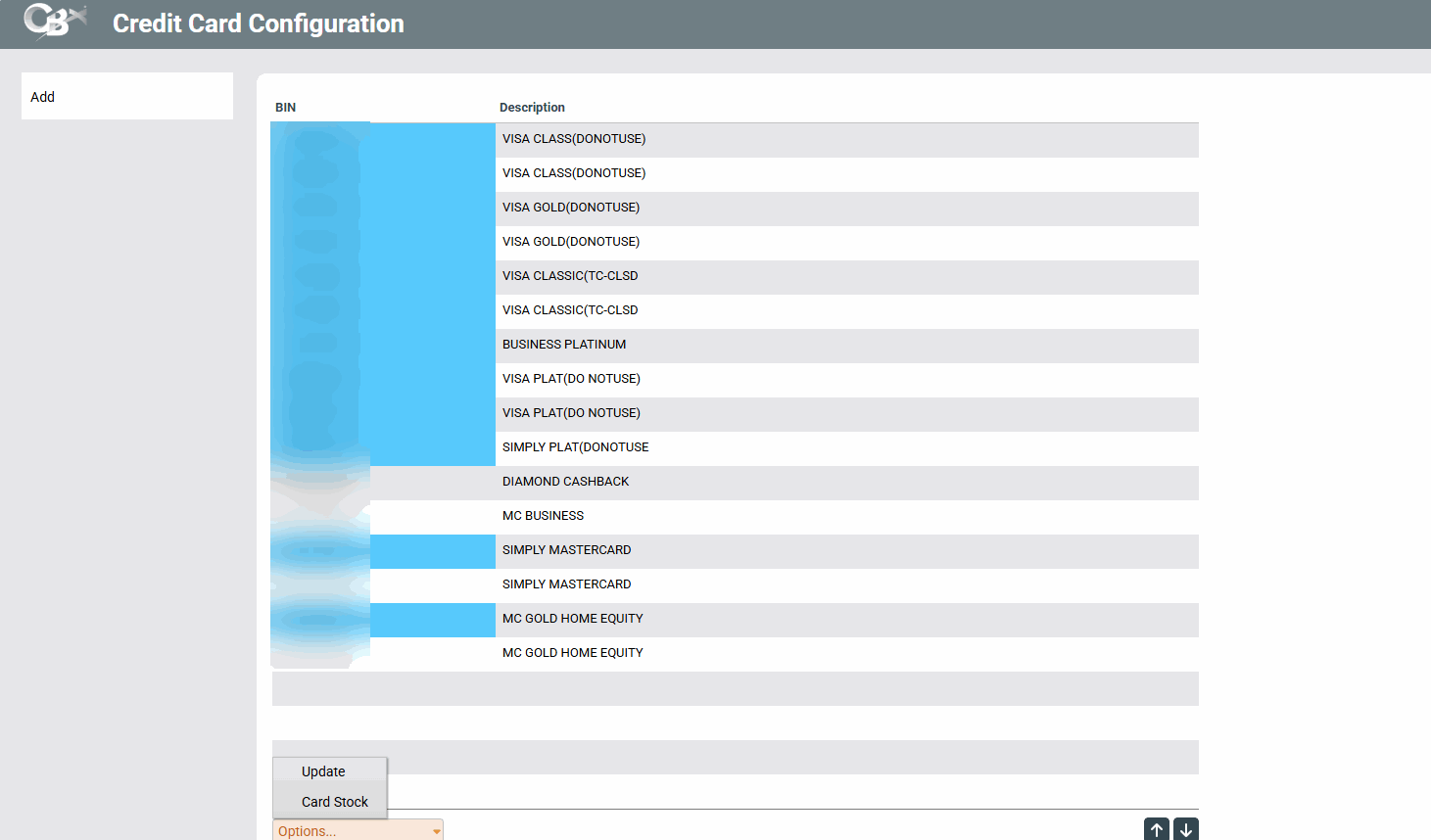
Access this screen by selecting Tool #567 Online Credit Card Configuration or when you select Add New Card on the Credit Card Maintenance screen..
This is one of several screens used to configure the actual cards that will be attached to your online credit card loan categories. A highlight indicates that the BIN has been suspended.
Select a BIN and then "Update" to access a screen to edit the card configuration for that BIN. Select a BIN and then "Card Stock" to access a listing of the configured card stock for that BIN. From here you can edit the card stock details..
-
For complete information, refer to the Online Credit Card Processing Configuration Guide.