Unposting Journal Entries (2)
|
Screen ID: Screen Title: Panel ID: |
PGLPOL02 J/E Posting Selection 6226 |
|
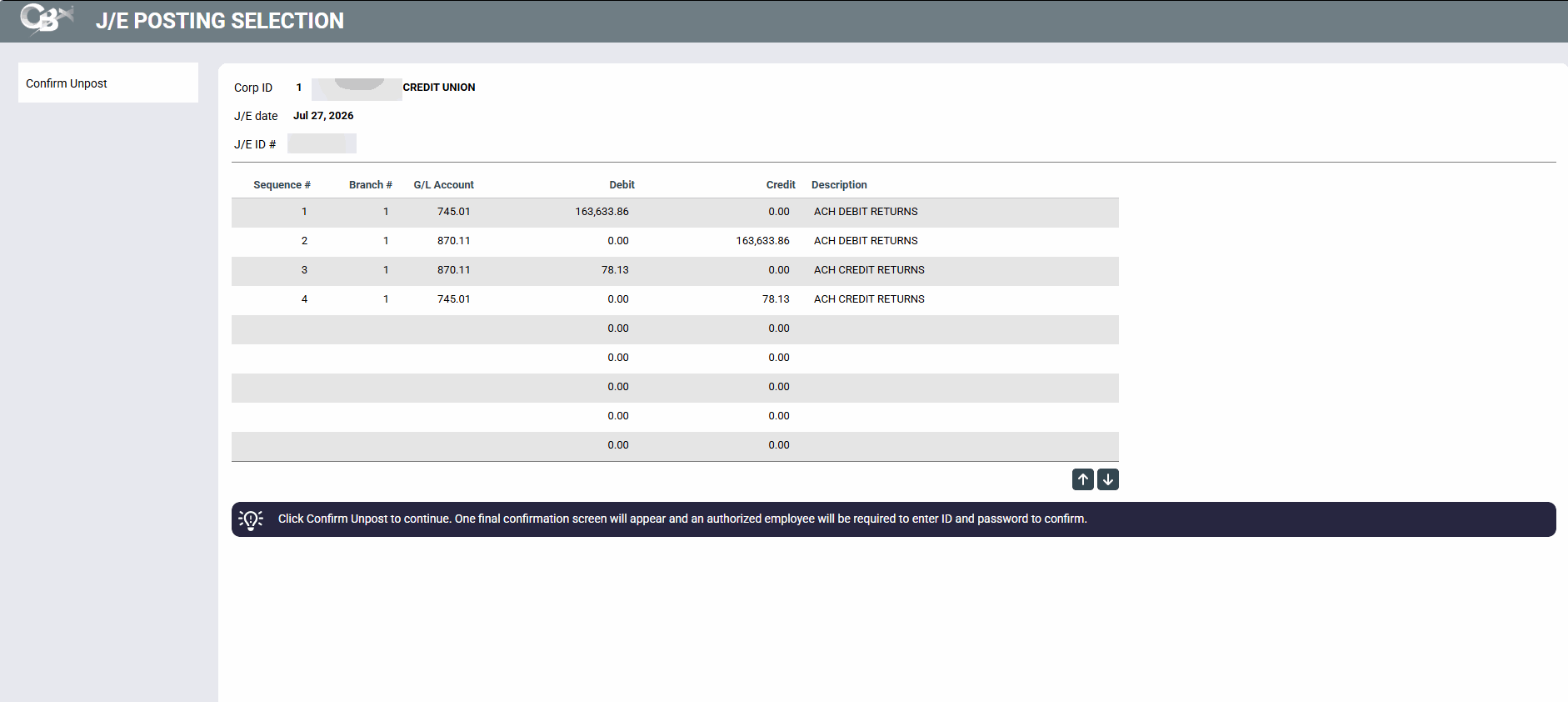
This is the second screen which appears when unposting. This screen shows specifically which entries will be unposted.
To proceed you must use Confirm Unpost). A second security screen will appear requesting an authorized employee ID and password. This employee must have "unpost JE" authority checked in the Employee Special Security. This way you can differentiate which employees can post and unpost.
Only the first few entries of the batch are shown (you will not be able to page through) so that you can confirm you chose the correct batch before processing.
Using Enter will have no effect on this screen.