Column Selection
| Screen ID: |
PLNALI-04 |
|
| Screen Title: |
Column Selection |
|
| Panel ID: | 5473 | |
| Tool Number: | 2 or 53 or 460 | |
| View full-size screen |
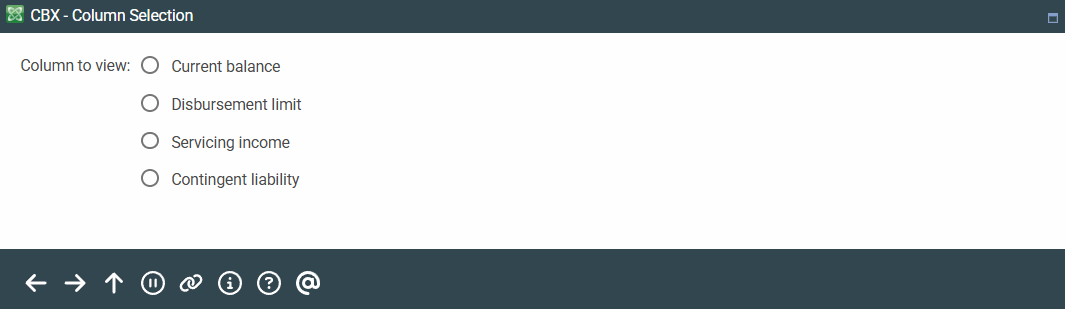
Access this screen by selecting the "Toggle" button above the third column on the Outstanding Loan Recap screen.
This screen is used when there are more than two toggle choices for a column. Select from the choices on the list and press Enter to view that data in the column on the previous screen.