Loan Quoter: Select Product
| Screen ID: |
PLNQTR-01 |
|
| Screen Title: |
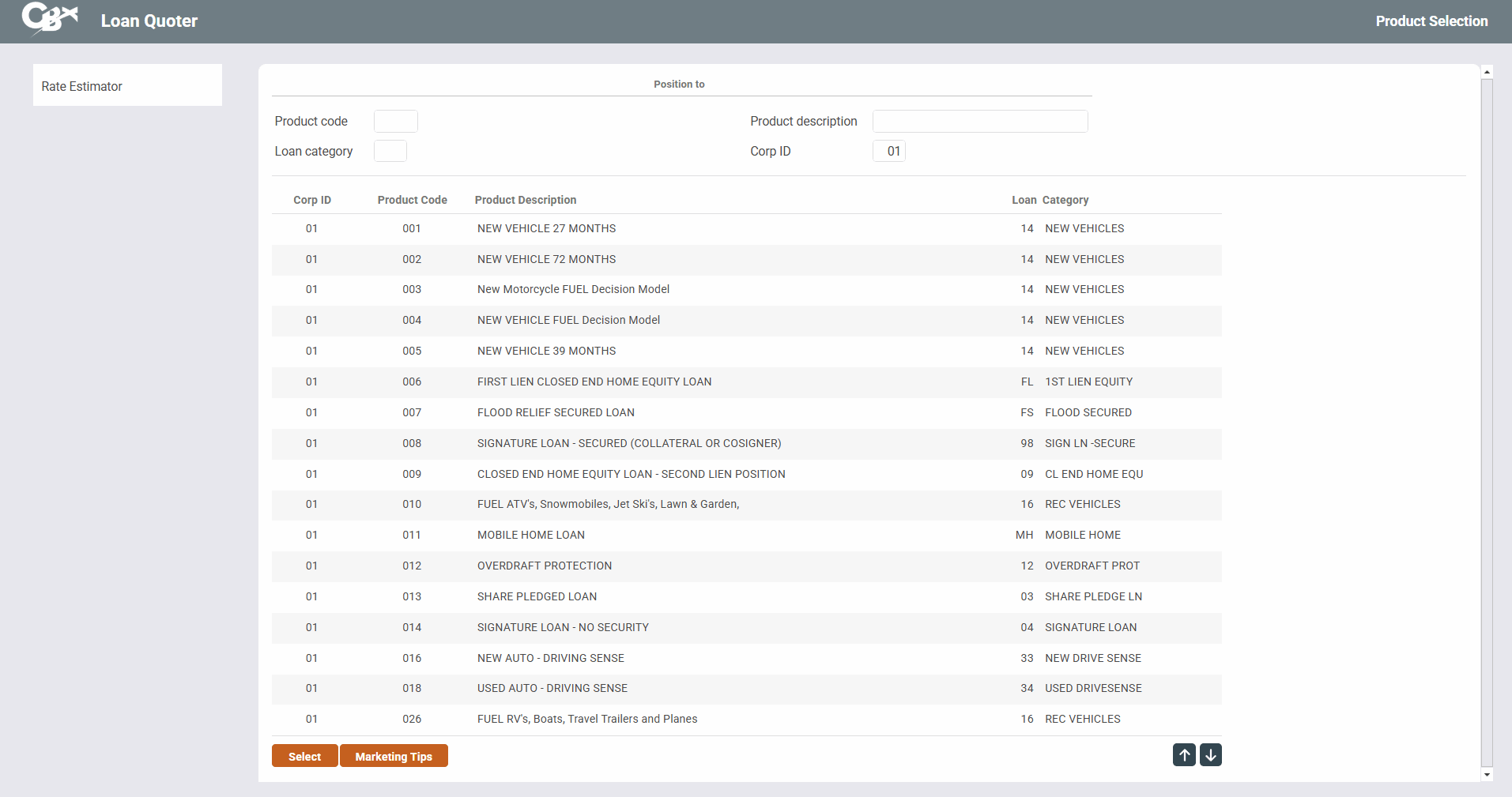
Loan Quoter Product Selection |
|
| Panel ID: |
1245 |
|
| Tool Number: | 2 or 53 | |
| View full-size screen |
Access this screen by selecting (Shortcut: lq) or by clicking the Loan Quoter button  at the top of the Home Page.
Screen Overview
This is the first in a series of screens used to quote loan prices to members. For example, say a member calls and wants to know a monthly payment on a new car loan. Assuming the loan product code has been set up properly, the Quoter can quote up to 81 different monthly payments, with different combinations of rates, and terms.
-
Please note: Loan Quote is designed for a quick quote. For anything complex, including things like Debt Protection and Miscellaneous Coverage, we recommend you use the regular Loan Request process.
Select the desired loan product from the list and click Select or press Enter to proceed to the next screen.
To see CU-defined tips for selling these products to your members, select any product and click Marketing Tips.