Loan Extensions/Modifications (1)
| Screen ID: | PLNRF-01 | 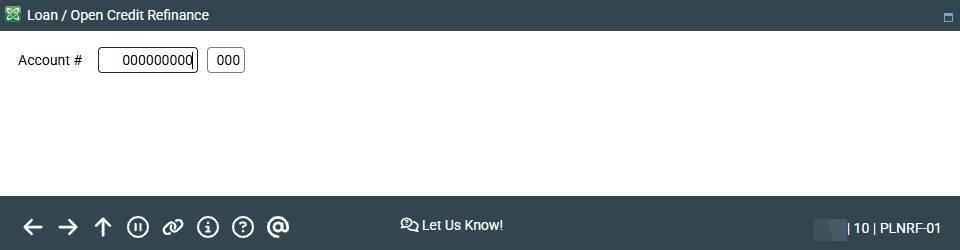
|
| Screen Title: | Loan Extensions and Modifications: Account Lookup | |
| Panel ID: | 6985 | |
| Tool Number: | 507 | |
| View full-size screen |
Access this screen by selecting Tool #507 Loan Extensions and Modifications.
Screen Overview
This screen is used to change the parameters of an existing loan, such as to:
-
Change the loan payment frequency.
-
Lower the loan payment amount.
-
Increase the loan payment amount.
-
Lower the interest rate on an existing loan.
IMPORTANT NOTE: This does not re-amortize the loan.
Enter the account number and suffix and press Enter to move to the second loan extension/modification screen. Learn more about the feature on the topic for the next screen.