Activate Auto Security
|
Screen ID: Screen Title: Panel ID: |
PLOGIN-01 Activate Auto Security 6146 |
|
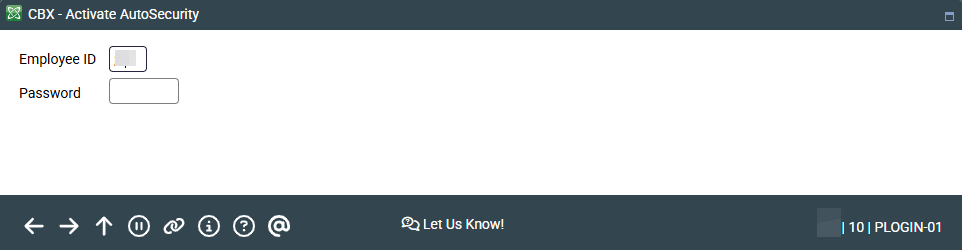
Access this screen when activating auto security and deactivating auto security from the Home Page.
Enter your employee ID and password and press Enter. You will next advance to the auto security confirmation screen.
Related Resources
You can activate auto-security so it launches when you log in. Then auto-security activation will be part of the login process and you will not need to activate it from the Home Page. This is configured on the Preferences screen. Refer to the Show Me the Steps topic below for more information.
Visit Show Me the Steps for helpful directions on activating ProDOC Auto-Launch
Learn more about activating and deactivating auto security.
Learn how to disable activating auto security for all your employees.