Payroll Group Maintenance - Select Payroll Group
| Screen ID: |
PYR010-01 |
|
| Screen Title: |
Payroll Group Selection |
|
| Panel ID: |
4911 |
|
| Tool Number: | 999 | |
| View full-size screen |
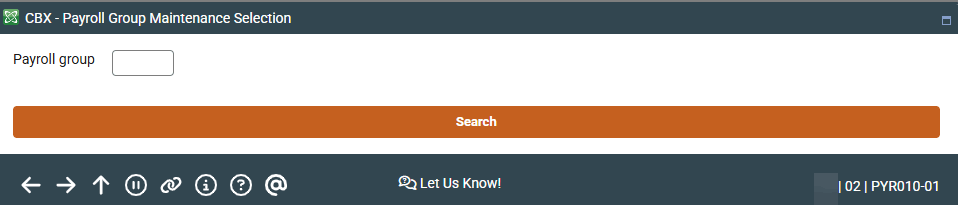
Access this by selecting Tool #999 Work With Payroll Employer Groups.
Screen Overview
This is the first of five screens used to set up or maintain Payroll Groups. Enter the Payroll Group ID number to be created or maintained and press Enter to proceed to the second screen.
A Payroll Group ID can be up to 4 characters long, and can contain both alphabetic and numeric characters as desired.
-
To look up an existing Payroll Group ID, use Search. This will allow you to access view-only versions of the group maintenance screens.