Payroll Group Maintenance - Processing Priority (1)
|
Screen ID: Screen Title:
Panel ID: |
PYR030-01 Payroll Group Maintenance Account Type Selection 1353 |
|
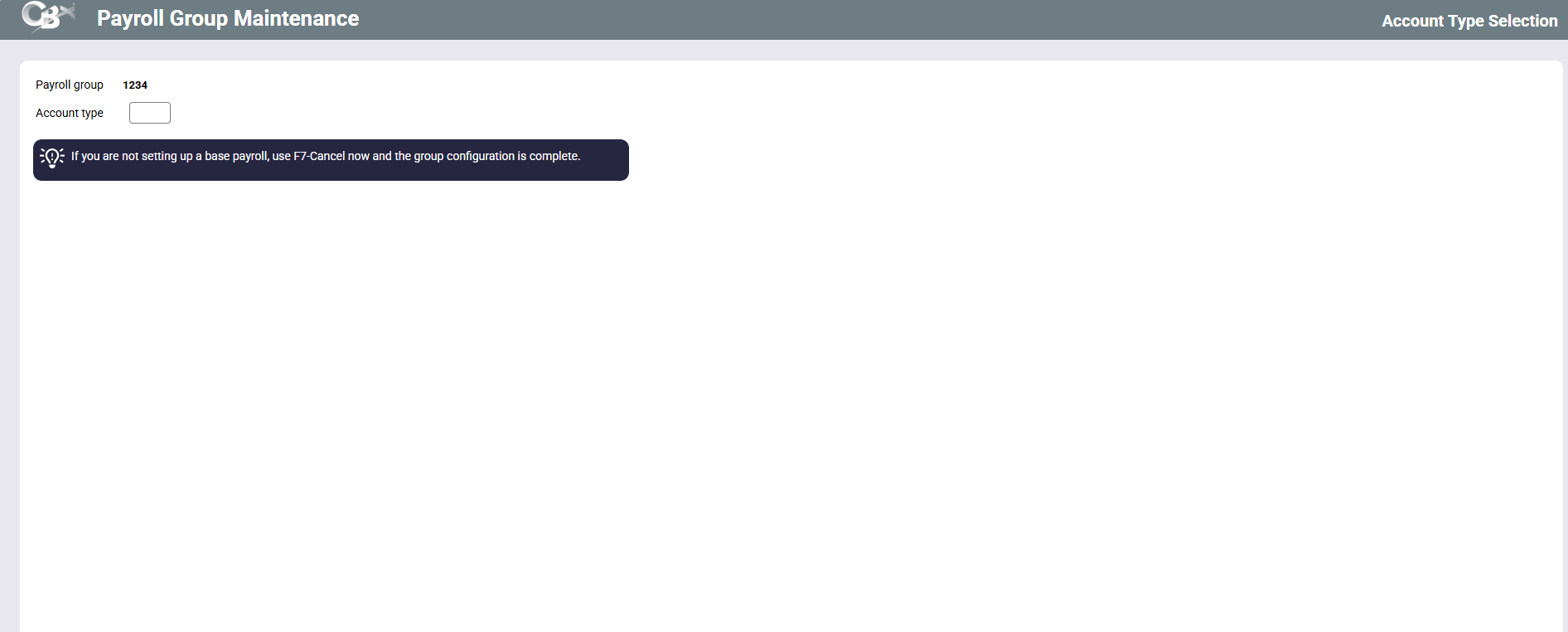
This fourth screen will appear after using Enter on the previous Payroll Group Maintenance screen.
Screen Overview
These final two Payroll Group Maintenance screens are used only for companies which produce base payrolls. If you are not setting up a base payroll, simply use the up arrow now and the Group configuration is complete.
This screen, along with the following screen 1354, lets you set default priority settings based on account suffix. Priority sequences are used when balancing a payroll work file to help determine to which account funds should be directed first, in case a paycheck is short. Normally, these priority sequences are entered when the base deposit accounts 165 are created, according to the member's wishes. However, default priorities can be defined here if needed.
-
Although used rarely, this might be helpful in cases where the company has specified how all paychecks for all its employees should be distributed.
Enter the account suffix here and press Enter to proceed to the next screen.
Related Resources
Understanding Payroll Deduction - "Base Payrolls" vs. "Distributed Payrolls"