Printing the Payroll Employer Group Listing
|
Screen ID: Screen Title: Panel ID: Report Name: |
PYR300-01 Payroll Group Report 1360 PYR300 |
|
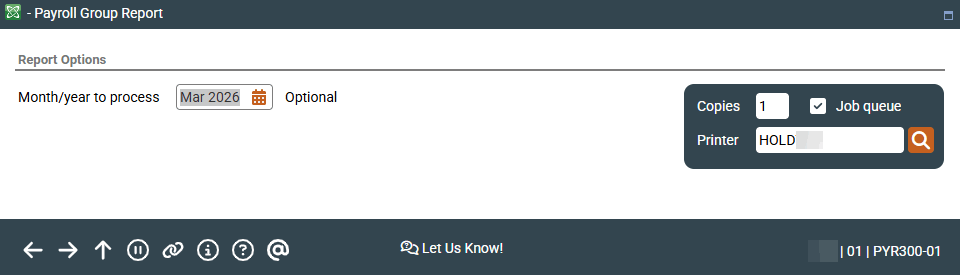
Access this screen by selecting Tool #674 Print Payroll Employer Group Listing.
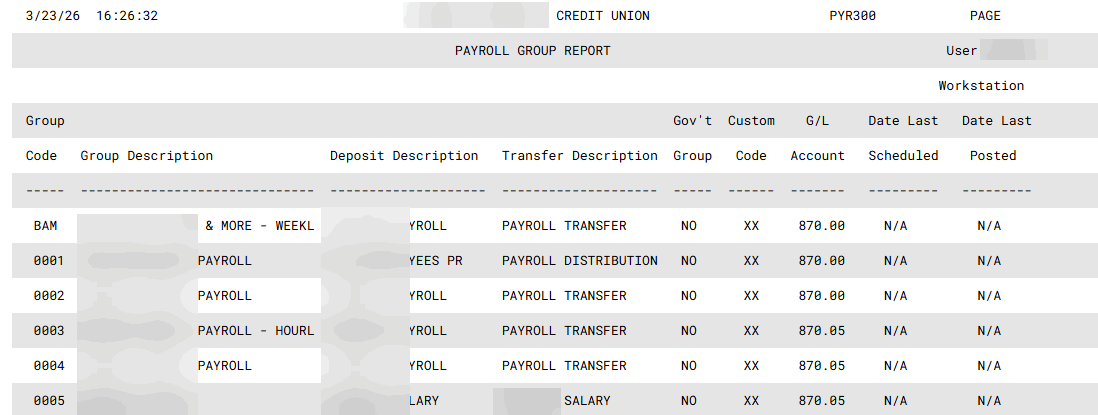
This report shows basic default information about all Payroll Groups that have been configured. In addition, it shows the date on which the payroll was last posted (as of the Month/Year to Process date), and a Scheduled Post Date, if any, for any work files which have been balanced and are awaiting posting.
Enter the month and year for which data should be shown. Normally three previous months are available. To run a report using month-end data prior to the months held online, contact a Client Services Representative. (There is a charge if this service is requested.) Press Enter to generate the report.
Report Sample