Printing the Report: Cover Page
|
Screen ID: Screen Title: Panel ID: |
Report Builder (Query) Specify Cover Page QRYCVRPG |
Screen Overview
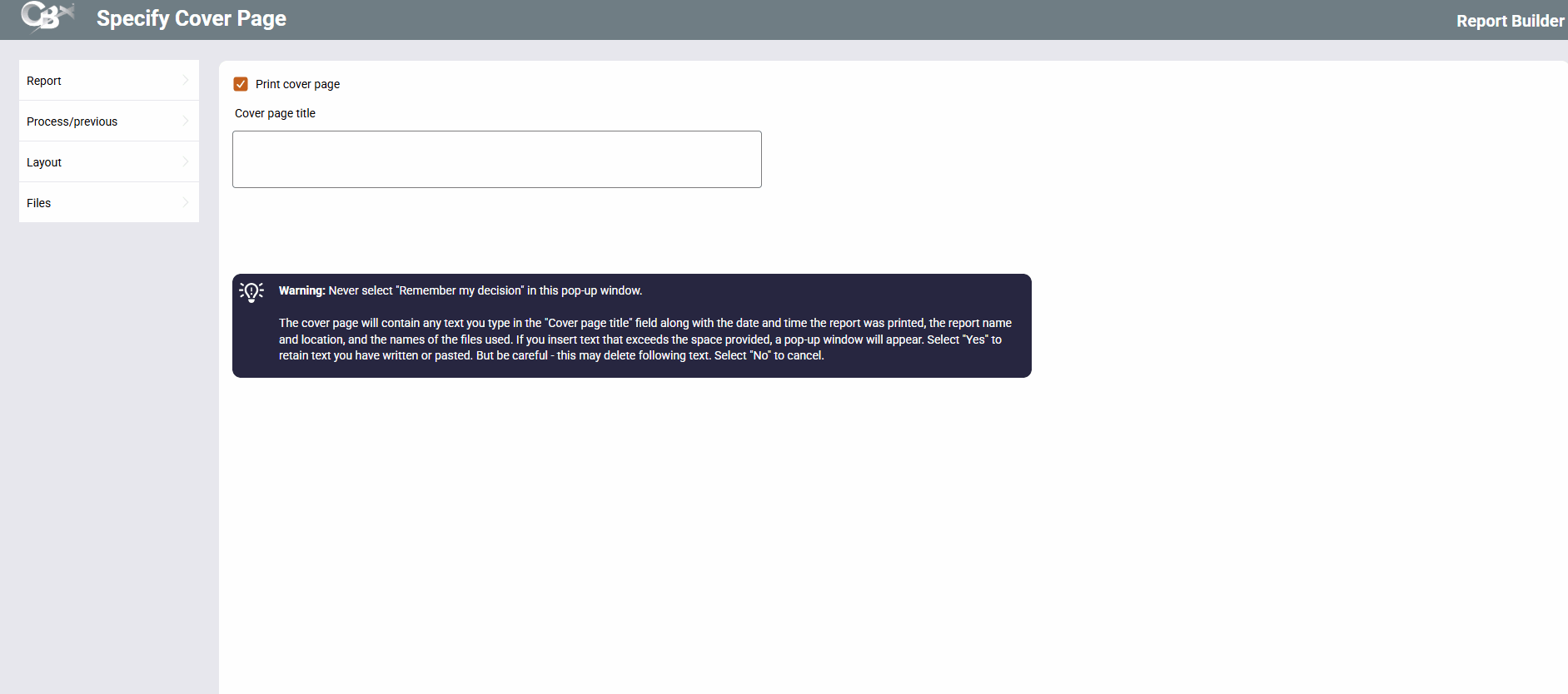
This screen lets you choose whether a separate cover page will print before the actual report itself. This is helpful if you are printing the report to a busy shared printer and want to make sure the report is identified as belonging to you.
After this screen is completed, press Enter to continue to the next screen.
Field Descriptions
|
Field Name |
Description |
|---|---|
|
Print cover page |
Check if you wish a separate cover page to print before the first page of the report. The cover page will contain:
|
|
Cover page title |
If you are printing a cover page, use these lines to enter a title which will print on the cover page of the report. HINT: This is good place to enter your name or other notes to identify that this report belongs to you. This field allows you to enter any comments for your staff that you would like to have associated with this insurance offering. Special instructions on entering text in the Cover page title text box. |