Choosing How Data Should be Sorted
|
Screen ID: Screen Title: Panel ID: |
Report Builder (Query) Select Sort Fields QRYSELST |
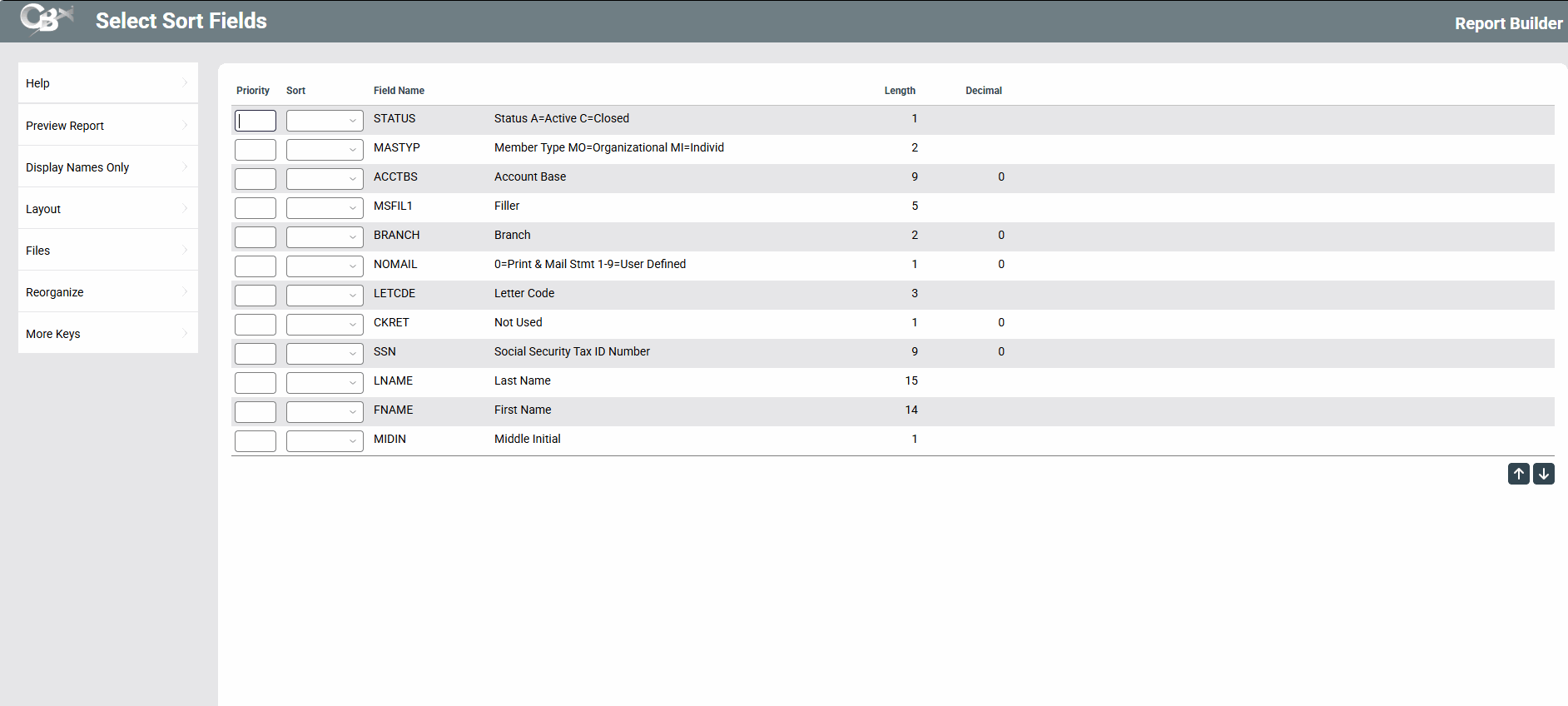
This screen appears when you choose the “Choose how data should be sorted” option on the Report Builder Main Menu.
Screen Overview
This screen is used to specify how the data on the report should be sorted.
-
Only the fields which were chosen on the Choose Report Columns screen will be included in this list, so be sure the fields you wish to sort by have been selected before choosing a sort order.
Using the Prty column, enter sequential numbers to indicate the order in which records should be sorted. For instance, items could be sorted first by branch, then by G/L account number, then date, etc. In the Sort Order column, choose either Ascending (A) or Descending (D) order.
-
To make it easier to insert additional sort sequences later, allow a gap between each of the sequential numbers. For example, if the original sequence was 10, 20, 30, and 40, you could later add a field between 10 and 20 by using sequence number 15. Use Renumber to automatically re-sequence and organize your selections using a generic sequence of tens (10, 20, 30, 40, etc.).
When done, press Enter to save changes.