Stopping Payment on a Member Check (1)
|
Screen ID: Screen Title: Panel ID: Report Name: |
TSPTB-01 Stop Payment Request Processing 1577 TSPTB |
|
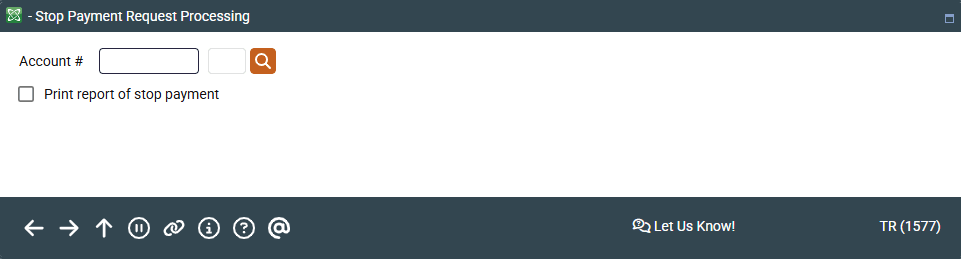
Access this screen by selecting Tool #71 Stop Payment on Member Check (Shortcut: stop).
This is the first of two screens used to set up a stop payment on a member's share draft (checking) account. Enter the member's share draft account number, and choose whether to print a stop payment report. Press Enter to advance to the next screen.
-
Use the lookup button
 next to the Account field to access the Your Most Recent Accounts Accessed screen, which lists your last ten accounts.
-
The report that prints when the Print Report of Stop Payments field is selected simply a transaction register showing the fee, if any, charged to this member for the stop payment request.
Report Sample
