Wire Transfer Lookup
|
Screen ID: Screen Title: |
TWIRE-05 Wire Transfer Lookup |
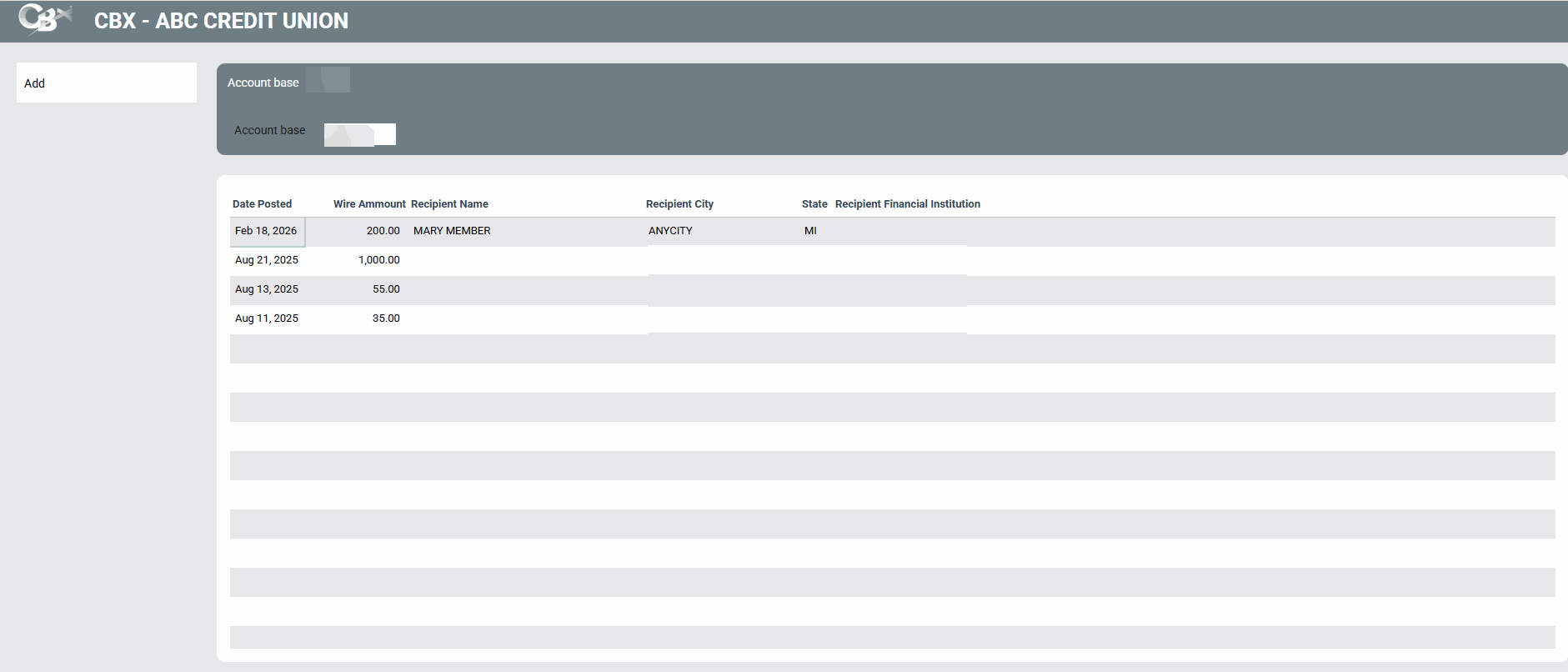
This screen is accessed by selecting Copy Wire Details on the first outgoing wire transfer screen.
This screen allows you to copy the details of a previous outgoing wire transfer to a new wire transfer for the same member. Simply select a previous wire details and Select to return to the previous screen. All the other steps to create an outgoing wire, including running and OFAC scan, remain the same.
.