Update 1042-S Tax Form Data (1)
|
Screen ID: Screen Title: Panel ID: |
U1042-01 1042-S Tax Forms File Maintenance 5932 |
|
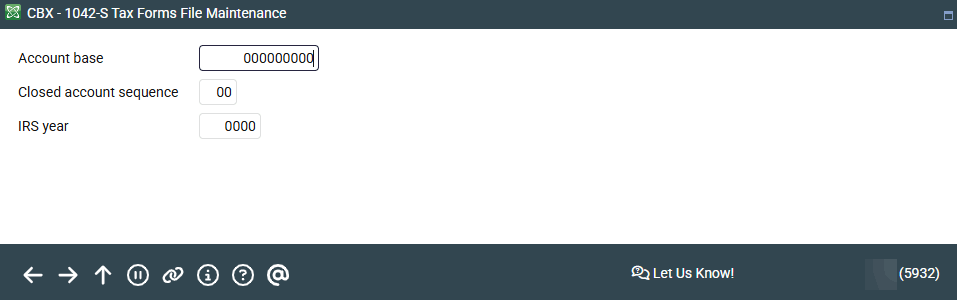
Access this screen by selecting Tool #921 Update 1042-S Tax Form Data.
This is the first of two screens used to specify data that will appear on the printed 1042-S form for a member. Remember that this step cannot be done until after the tax file data has been generated during year-end processing.
Enter the account number, a closed account sequence (if the membership was closed during the tax year), and the tax year and press Enter to proceed to the next screen.
Refer to the Producing 1042-S Tax Forms booklet for complete details.