Updating Account Nicknames
|
Screen ID: Screen Title: Panel ID: |
UACCTNM-02 Update Account Nickname 5137 |
|

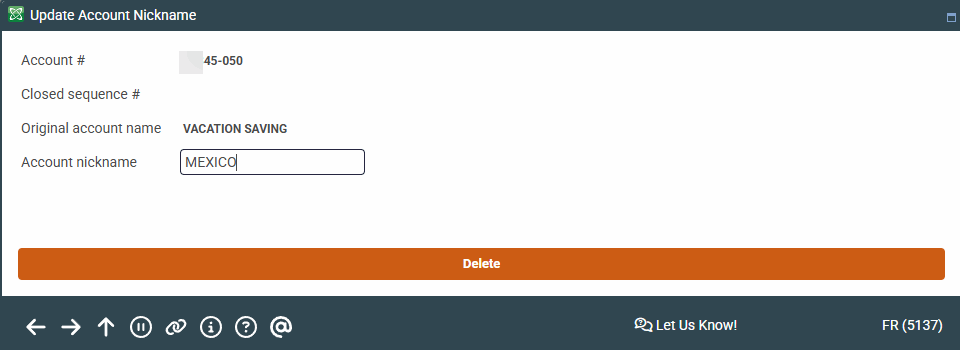
Access this screen by entering an account base and suffix on the first screen or via the "Nicknames" Action Code from Phone Operator or after checking "Account nickname" when opening a savings, checking or loan account.
Screen Overview
Nicknames are designed to allow your members to assign their own description to a specific sub-account. For example, instead of such as “SUB SHARES” or “IRA CERTIFICATE” the account could be called “COLLEGE FUND” or “ROTH IRA CD.”
On the second screen, enter the account nickname. Press Enter to save and return to the initial screen to enter the next account.
If the name you enter matches any of the words in the Restricted Nicknames database, an error message will appear showing the matched word.
-
If the account already has a nickname, to remove it press Delete on the second screen (there will be a confirmation window).