Audio/Online Banking Transfer Control Account Type Selection
|
Screen ID: Screen Title: Panel ID: |
UARUTC-04 Select Account Types 6574 |
|
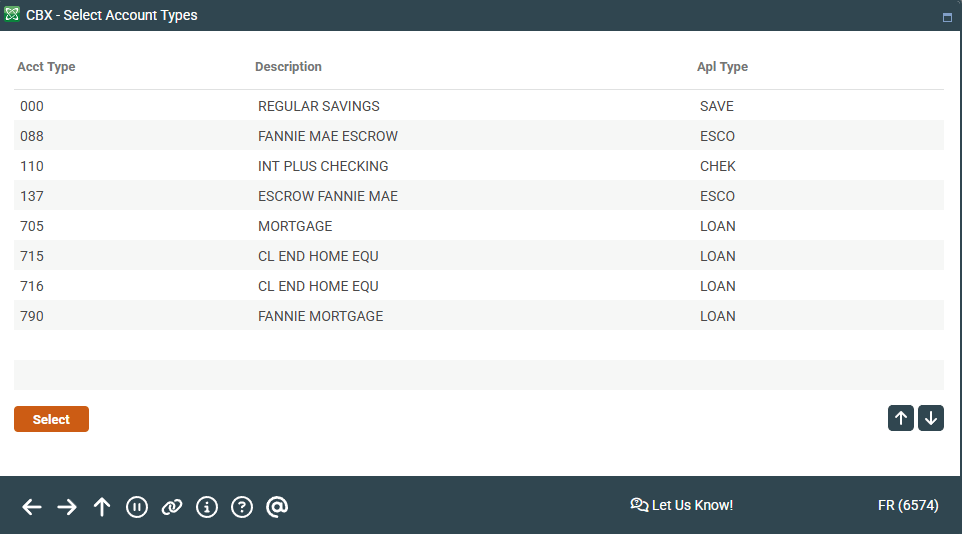
Access this screen by selecting to add specific sub-accounts on the previous screen.
This feature can be used only if your credit union has elected to activate both the “Inter-member Transfers” and “Use Transfer Control” features in OnlineBanking Configuration.
Use this screen to select specific sub-accounts for a member to transfer TO. Use the CTRL key to make multiple selections, then use Select to return to the previous screen.